
SpaceClaim Course, Session 9: Practical Overview of Move, Combine and Split Tools
Free
- Move and align solid bodies accurately using the Move command.
- Merge or subtract parts of the pipe model with the Combine tool.
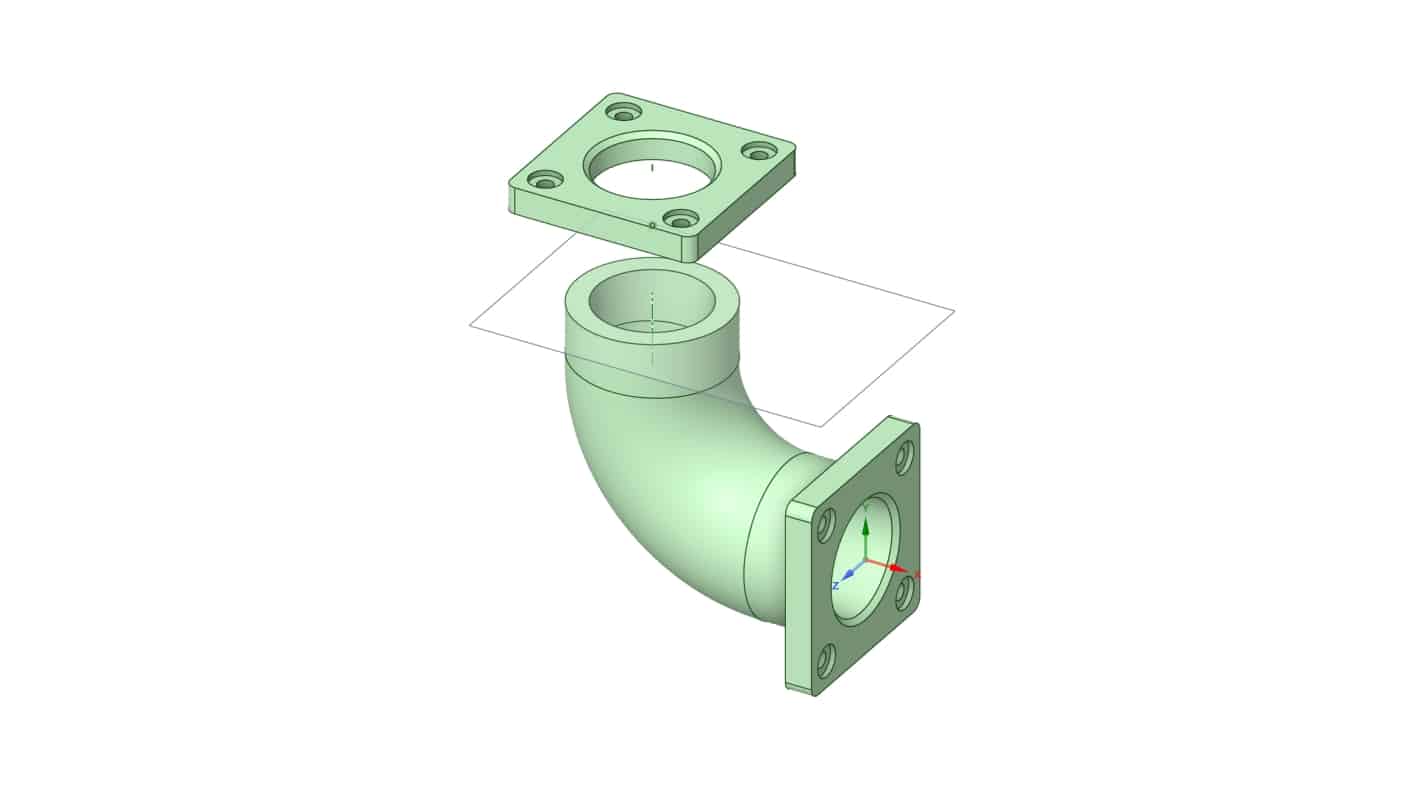
- Use Split Body to divide geometry where adjustments are needed.
- Apply the Pull command to create and modify 3D features of the pipe.
To Order Your Project or benefit from a CFD consultation, contact our experts via email (info@mr-cfd.com), online support tab, or WhatsApp at +44 7443 197273.
There are some Free Products to check our service quality.
If you want the training video in another language instead of English, ask it via info@mr-cfd.com after you buy the product.
Description
1. Introduction
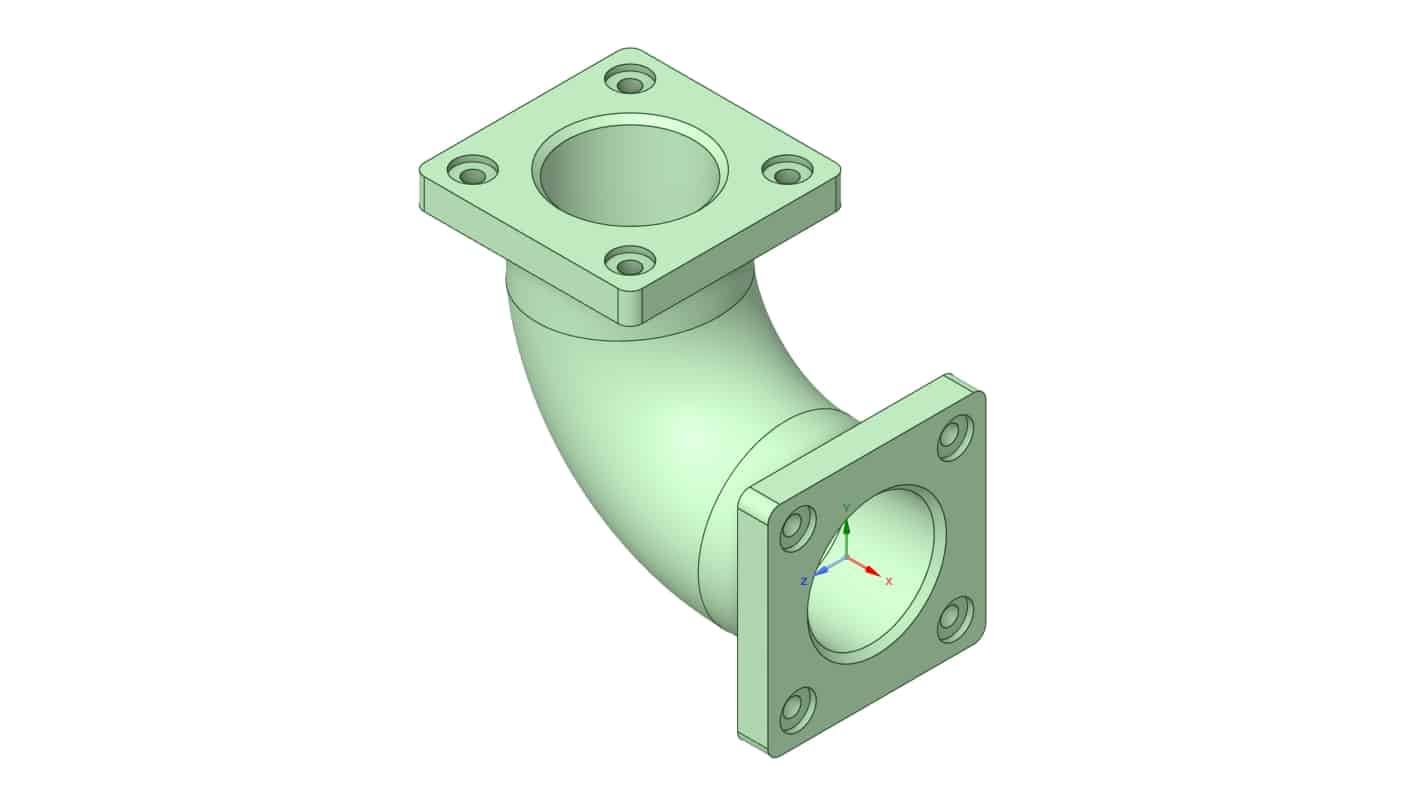
In this session of the ANSYS SpaceClaim course, we will review some of the most important commands we have learned before, including Move, Combine, Split, and Pull. We will do this by creating a 3D model of a pipe according to the given dimensions. This exercise will help you understand and learn better through hands-on practice. During the process, we will also reinforce our modeling skills and gain a deeper understanding of how these tools can be used together in practical design tasks.
2. Objectives
The main objective of this session is to practice and reinforce the use of core modeling commands within ANSYS SpaceClaim. We aim to improve our understanding of how to modify, combine, and manipulate 3D geometries effectively. Another goal is to enhance precision and consistency while modeling a 3D pipe structure based on defined dimensions.
3. Procedure
To begin with, we will start by sketching the base profile of the pipe according to the provided dimensions. Then, using the Pull command, we will extrude the base sketch to create the main body of the pipe. The Combine command will be used to merge separate sections, while Split will help us divide or trim features where needed. The Move command will also be applied to adjust parts of the geometry to their correct position. Each step will be completed carefully to ensure the model is both accurate and well-structured.
4. Summary
In this session, we successfully reviewed and practiced the use of essential commands in ANSYS SpaceClaim by modeling a 3D pipe. The hands-on approach made it easier to understand how different tools interact during the design process. This activity improved both our technical modeling skills and our familiarity with key SpaceClaim functions, preparing us for more advanced modeling tasks in future sessions.
You must be logged in to post a review.
 Talk On WhatsApp
 Talk On WeChat

Reviews
There are no reviews yet.