
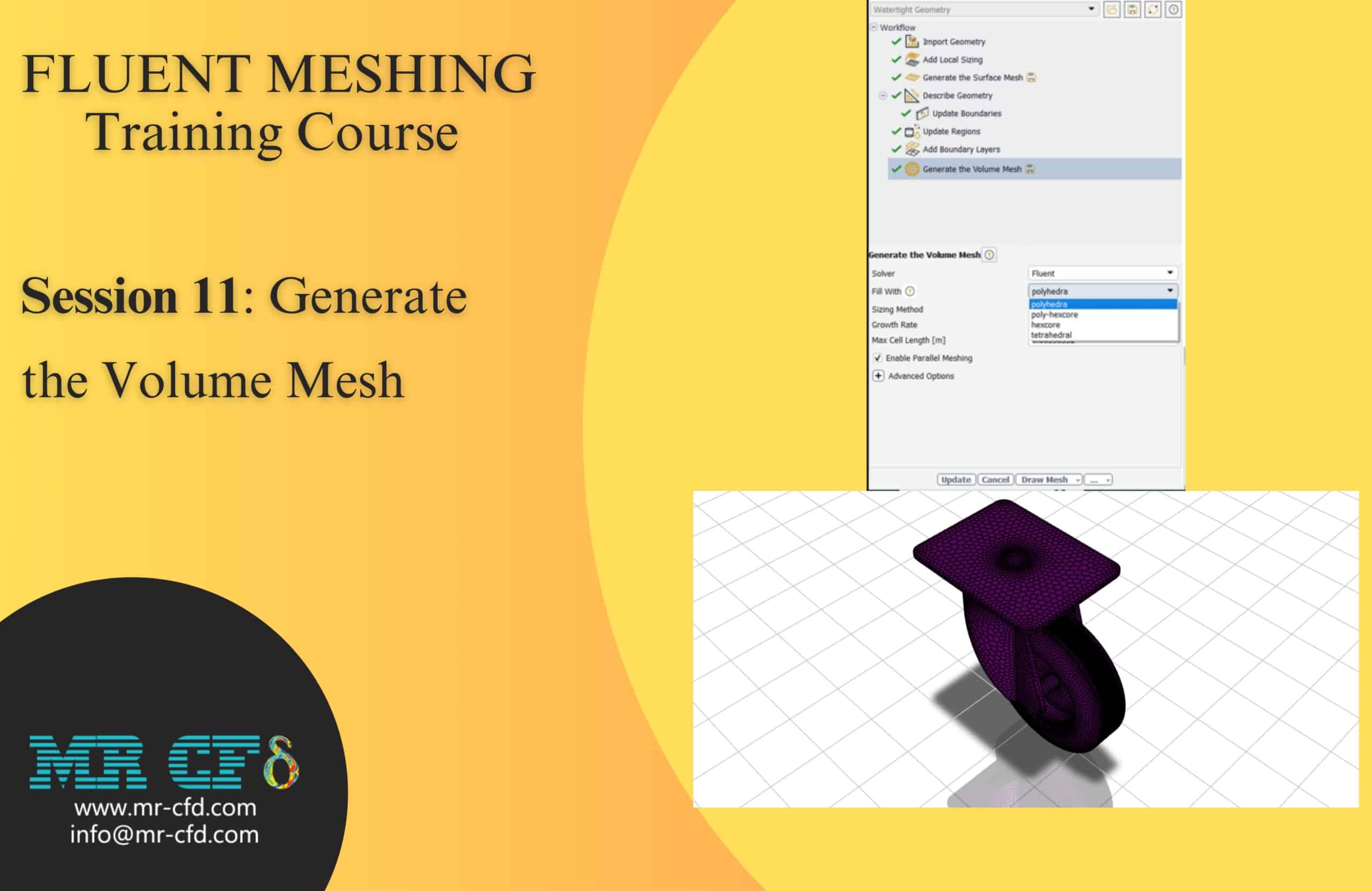
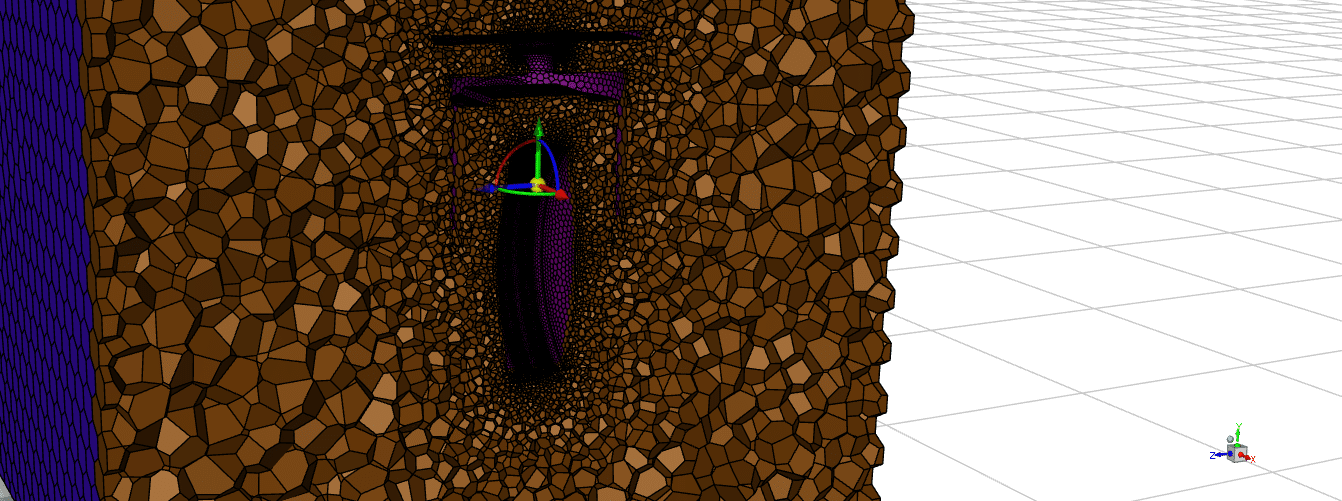
Fluent Meshing Training Course: Session 11, Generate the Volume Mesh
Free
- In Fluent Meshing, Generate Volume Mesh fills the geometry with mesh cells for CFD analysis.
- It offers mesh types like polyhedral, tetrahedral, hexcore, and poly-hexcore, each balancing accuracy and efficiency differently.
- Users control cell size and growth to refine the mesh where needed.
- This process ensures high-quality meshes for reliable simulation results.
To Order Your Project or benefit from a CFD consultation, contact our experts via email (info@mr-cfd.com), online support tab, or WhatsApp at +44 7443 197273.
There are some Free Products to check our service quality.
If you want the training video in another language instead of English, ask it via info@mr-cfd.com after you buy the product.
Description
Fluent Meshing Training Course: Session 11, Generate the Volume Mesh
Description
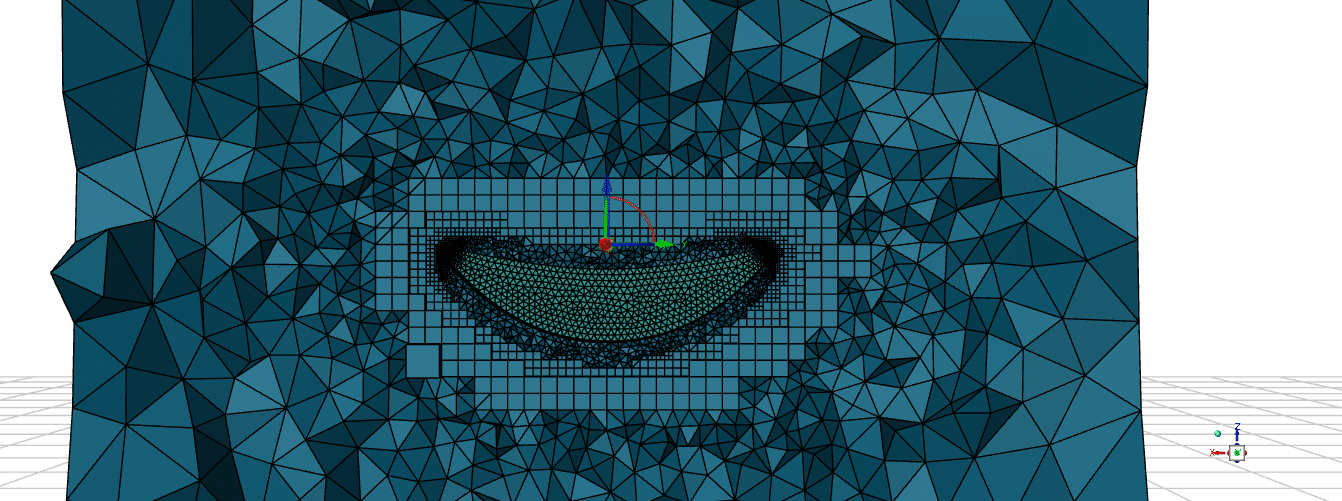
The Generate Volume Mesh feature in ANSYS Fluent Meshing is a key step in preparing geometries for computational fluid dynamics (CFD) simulations. It transforms the prepared CAD or imported geometry into a simulation-ready mesh by filling the volume with mesh elements suitable for fluid or coupled fluid-solid analysis.
Fill With
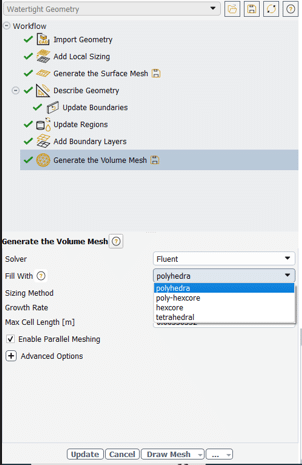
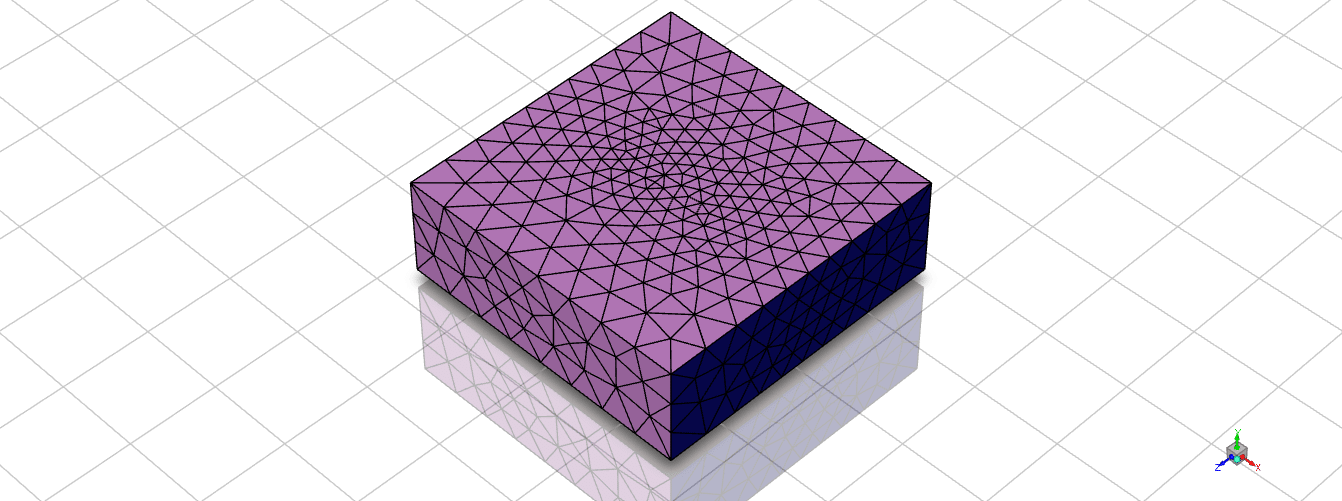
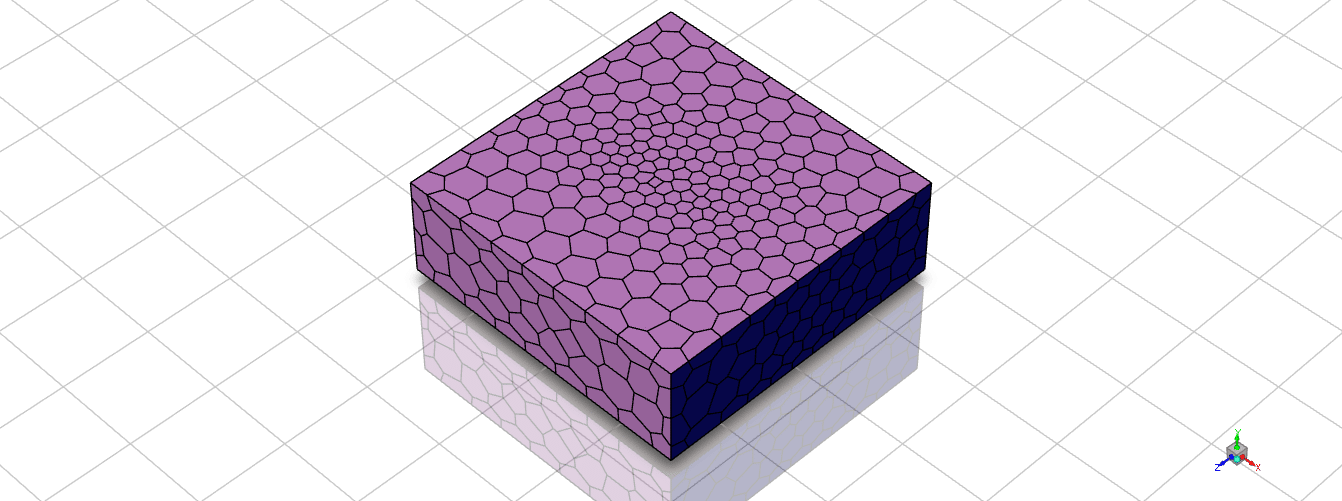
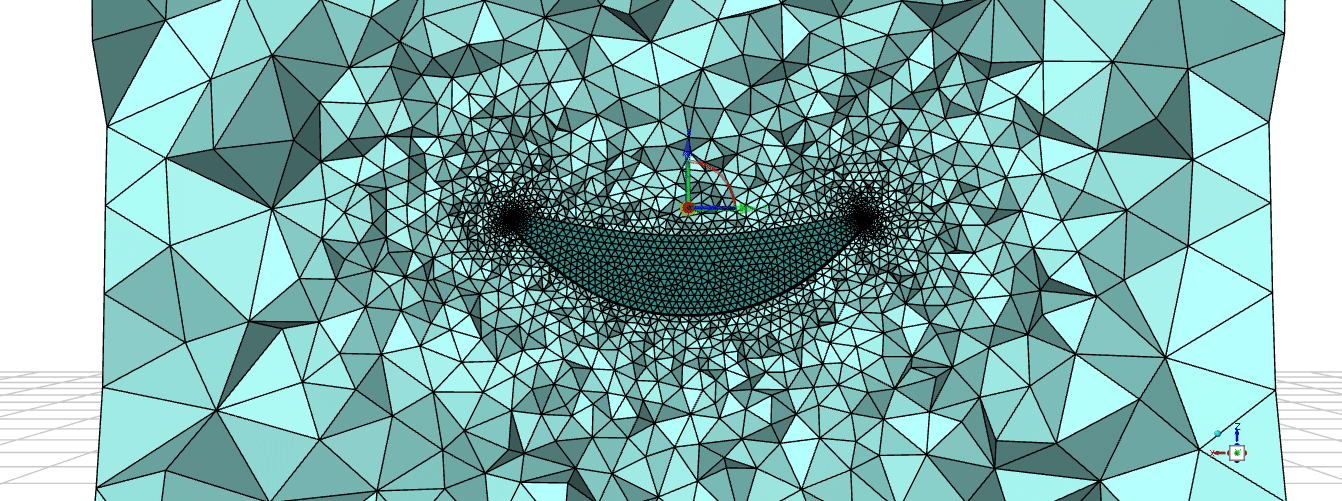
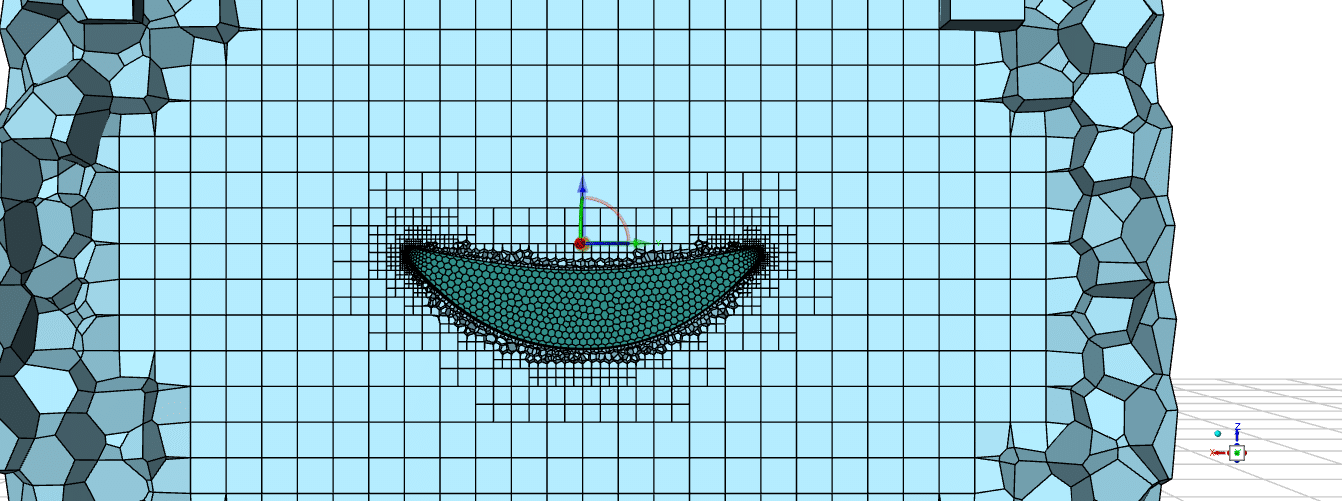
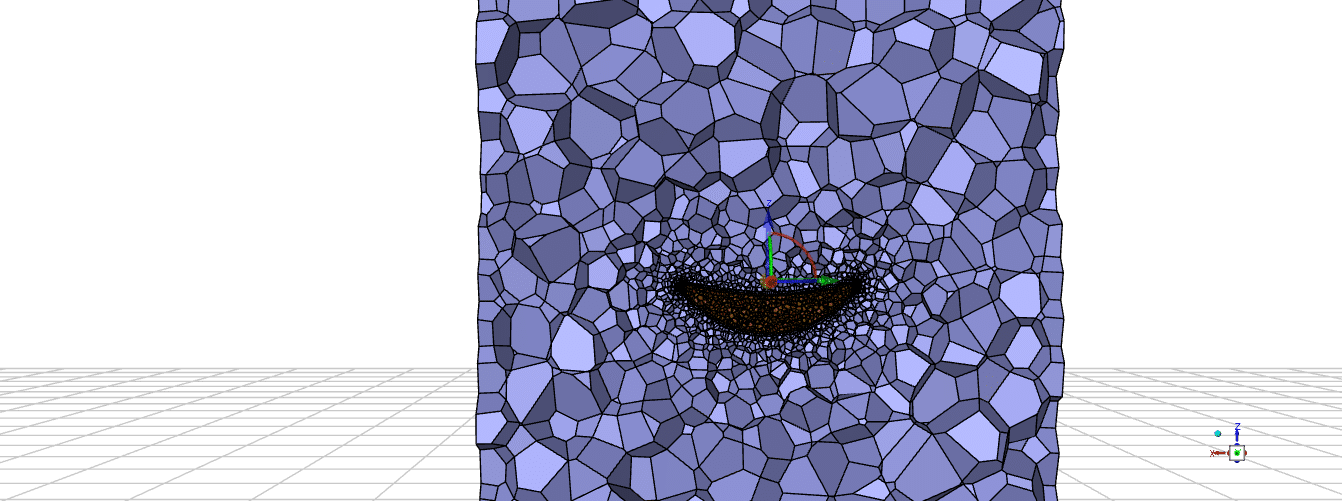
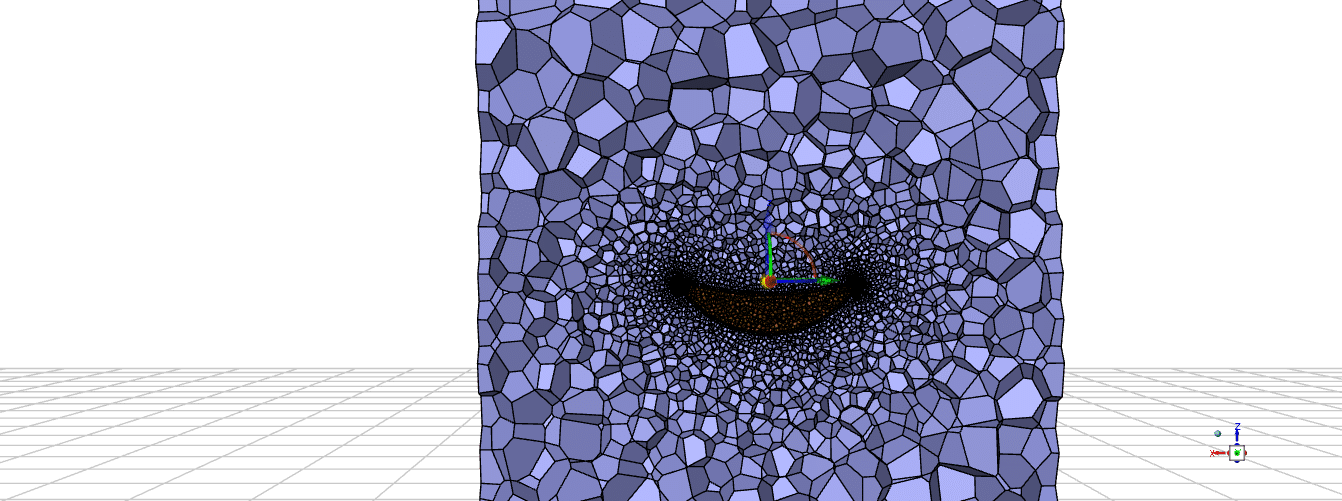
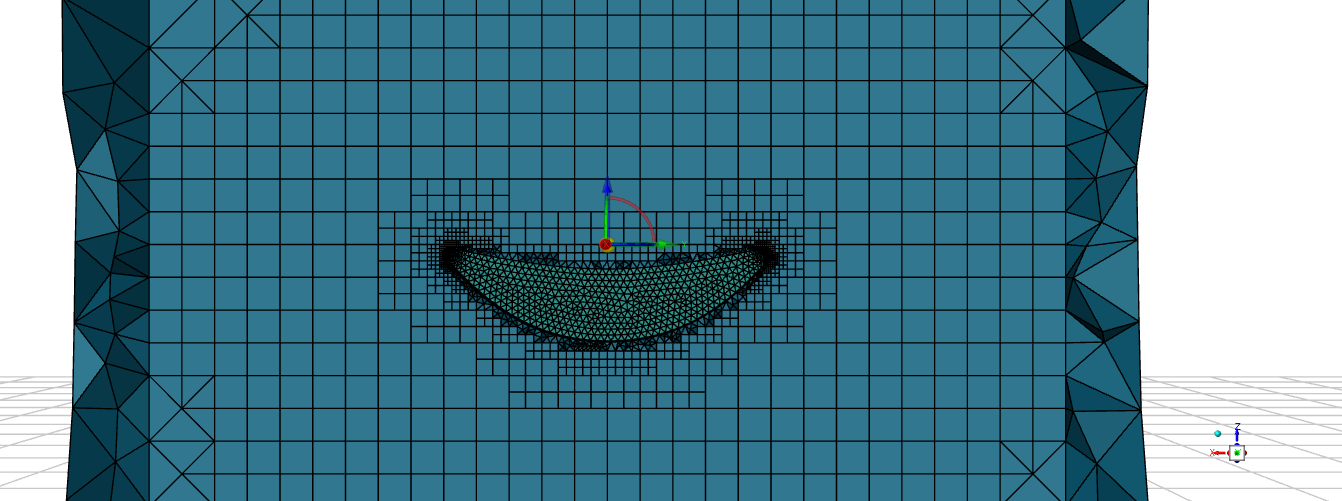
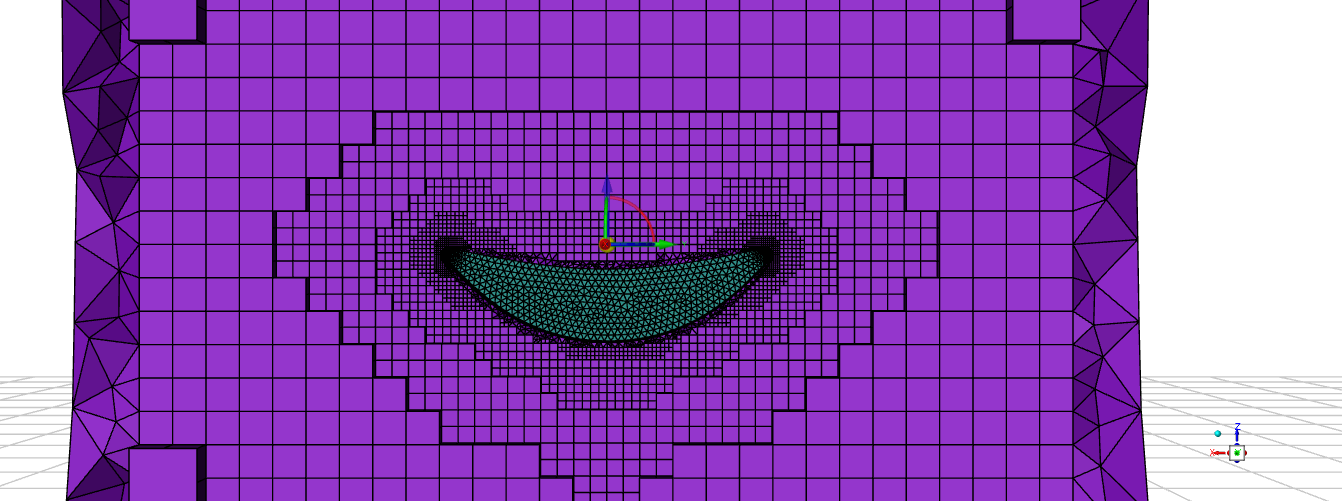
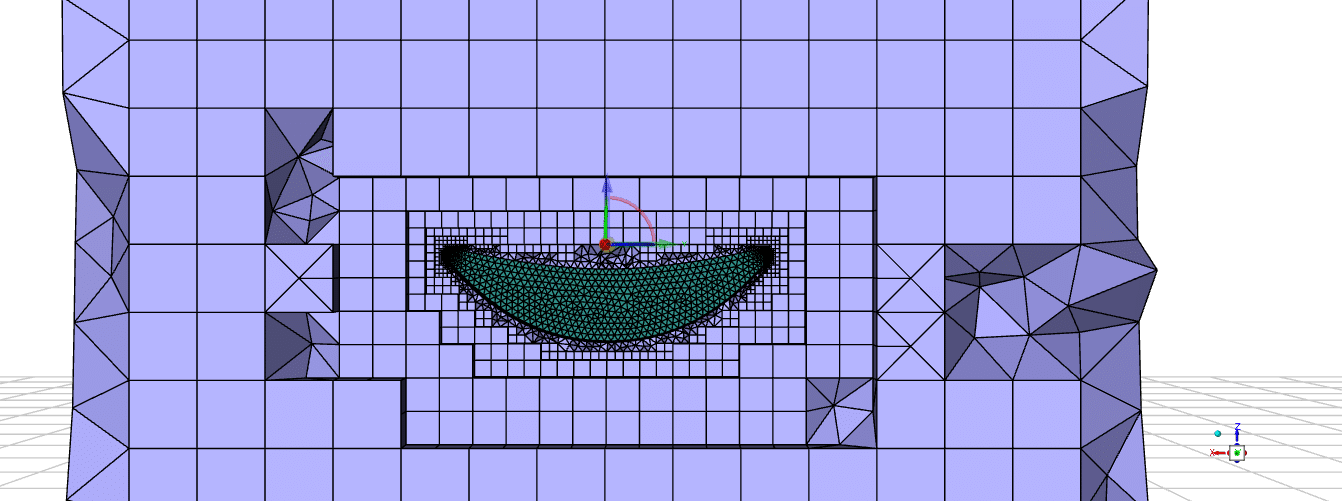
The “Fill With” option allows users to select the mesh type used to fill the computational domain: polyhedral, tetrahedral, hexcore, or poly-hexcore. Each type has unique properties, polyhedral meshes typically use fewer elements for better solver performance, while tetrahedral meshes suit complex shapes; hex- and poly-hexcore options optimize mesh quality in core regions and transitions.
Enable Parallel Meshing
Enabling parallel meshing allows Fluent to utilize multiple processor cores, significantly decreasing mesh generation time and improving workflow efficiency. This option is commonly selected for large or complex models to harness available hardware resources during meshing operations.
Sizing Method in Generate Volume Mesh
The sizing method determines how mesh element sizes are controlled within the domain. Global sizing applies the same settings throughout, while region-based sizing lets users specify maximum cell length and growth rate individually for different mesh zones, providing better control for mesh refinement near key features.
Mesh Solid Regions and Mesh Fluid Regions
When generating a volume mesh, users can choose to separately mesh solid regions (such as structural components) and fluid regions (flow domains). This flexibility enables accurate simulation of conjugate heat transfer or fluid-structure interactions by selectively generating mesh in domains of interest.
You must be logged in to post a review.

 Talk On WhatsApp
 Talk On WeChat

Reviews
There are no reviews yet.