


SpaceClaim Course, Session 18: Repair Tab
Free
To Order Your Project or benefit from a CFD consultation, contact our experts via email (info@mr-cfd.com), online support tab, or WhatsApp at +44 7443 197273.
There are some Free Products to check our service quality.
If you want the training video in another language instead of English, ask it via info@mr-cfd.com after you buy the product.
Description
1. Introduction
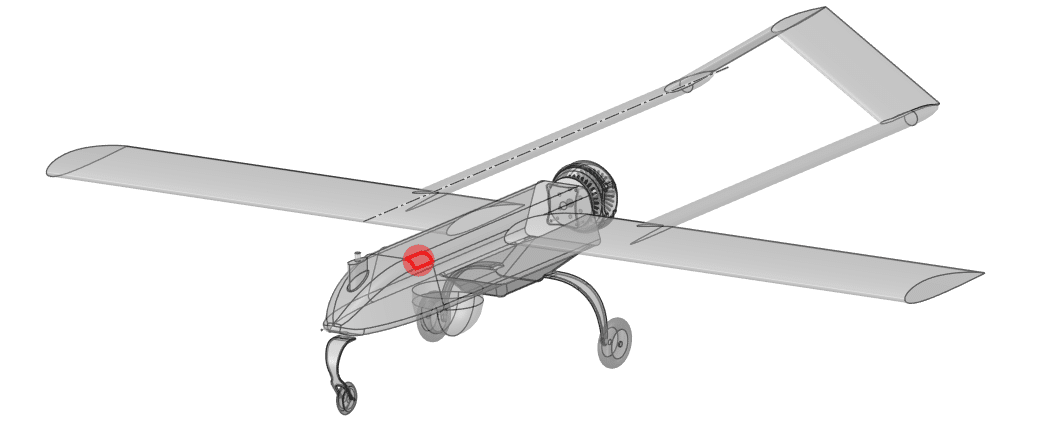
In this session, we introduce the Repair tools in Ansys SpaceClaim and show how they can be used to prepare CAD geometry for professional simulation. When a model is imported from another CAD system, it often contains gaps, missing faces, extra edges, and separate surface bodies that must be repaired before meshing. The main goal of this tutorial is to demonstrate a clear, step-by-step repair workflow that helps you turn a problematic model into a clean, watertight solid.
We will explain how to use tools such as Stitch, Missing Faces, Gaps, Split Edges, and Extra Edges to detect and fix common geometry errors. By following these steps shown in this session, you will learn how to visually inspect your model, zoom into problematic regions, and carefully apply each command so that the final geometry is both accurate and robust. This practical guide is designed for users who work with imported CAD data and need reliable geometry for CFD and FEA analysis.
2. Objectives
The main objective of this report is to present a clear and practical workflow for geometry correction in Ansys SpaceClaim. We focus on how to use this options tools to detect and fix typical problems in imported CAD models, such as gaps, missing faces, split edges, and extra edges. Another goal is to help users understand when to use each option so they can choose the right tool for each type of error.
3. Summary
we presented a complete repair workflow for imported CAD geometry in Ansys SpaceClaim using the Repair tools. Starting from models with gaps, missing faces, extra edges, and fragmented surface bodies, we showed how to systematically detect and correct these issues. Step by step, the geometry was cleaned and converted into a single, watertight solid suitable for meshing and simulation.
You must be logged in to post a review.
 Talk On WhatsApp
 Talk On WeChat

Reviews
There are no reviews yet.