
Fluent Meshing Training Course: Session 13, Mesh Verification and Export Procedures
Free
- In this Fluent Meshing Course session focuses on reviewing the mesh after generation.
- It explains how to check the number of cells and evaluate mesh quality.
- It also describes how to view important mesh metrics in Fluent Meshing.
- Finally, it covers the process of exporting the mesh for use in Fluent.
To Order Your Project or benefit from a CFD consultation, contact our experts via email (info@mr-cfd.com), online support tab, or WhatsApp at +44 7443 197273.
There are some Free Products to check our service quality.
If you want the training video in another language instead of English, ask it via info@mr-cfd.com after you buy the product.
Description
Fluent Meshing Training Course: Mesh Verification (Orthogonal Quality, Aspect Ratio, Skewness and etc. ) and Export Procedures
Description
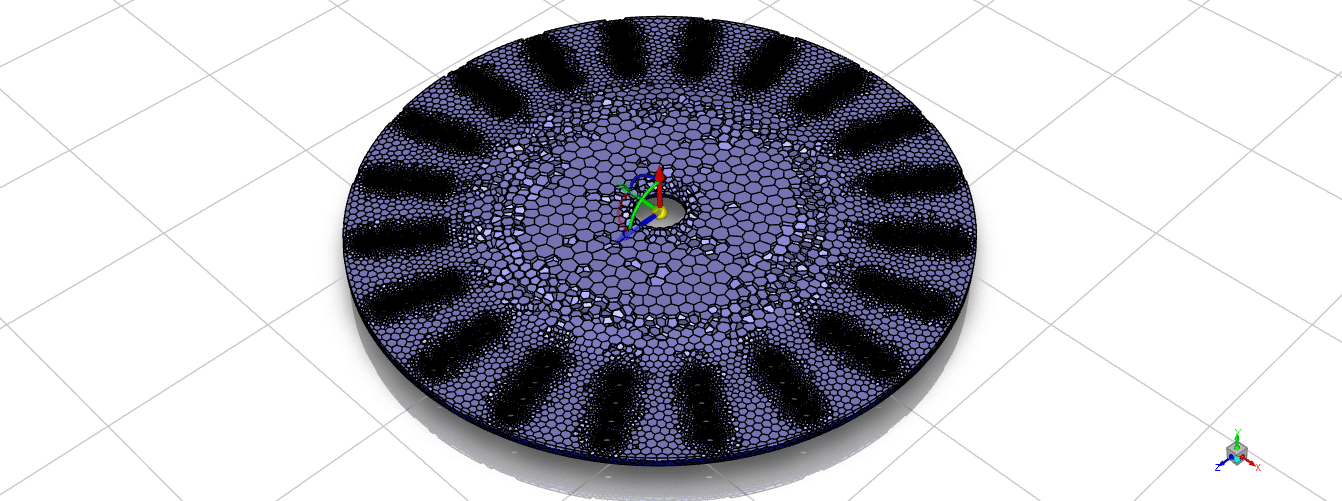
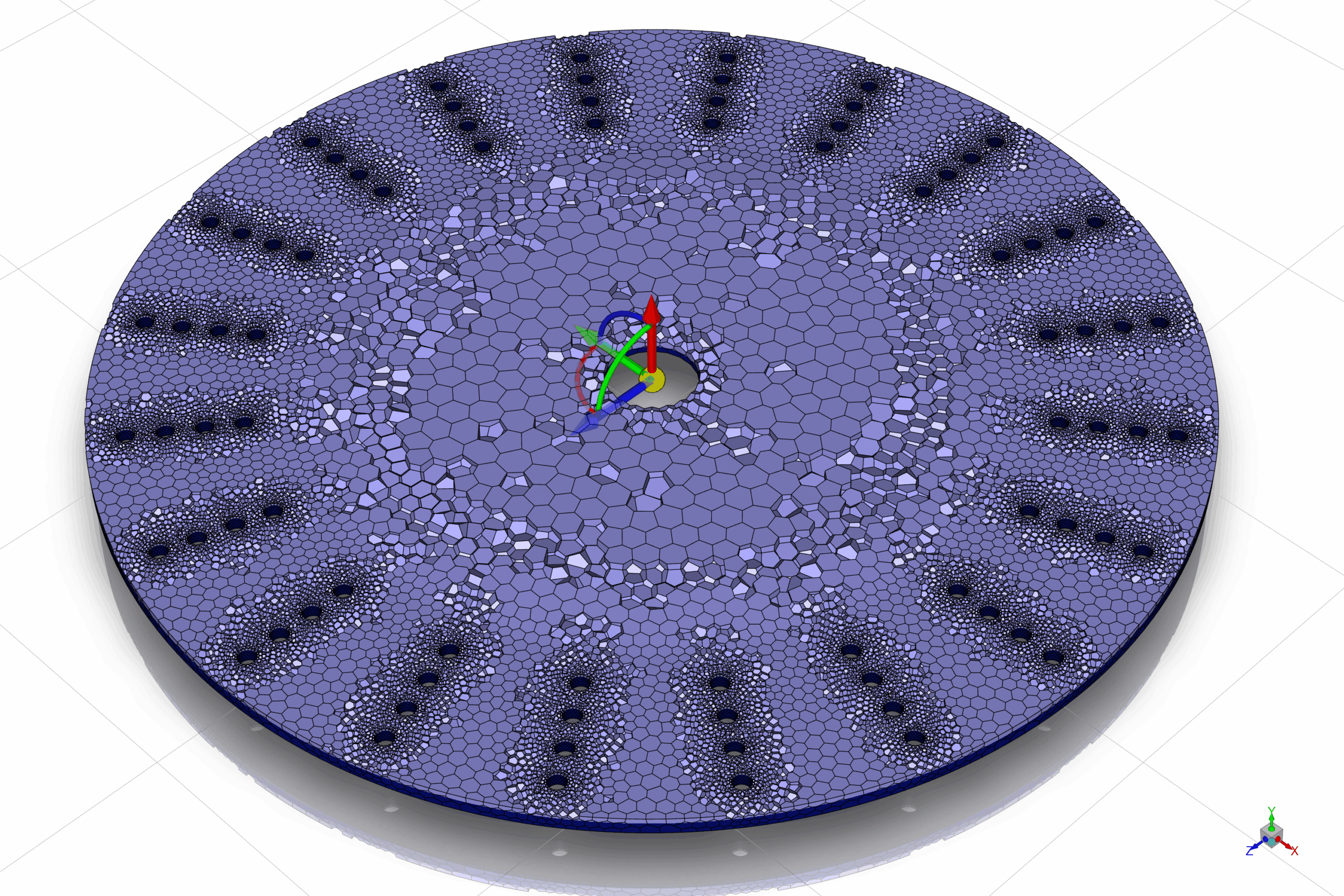
This session explains the key steps involved in reviewing and preparing a mesh in Fluent Meshing. It focuses on understanding the mesh size, checking the quality of the elements, and exporting the mesh for use in the Fluent solver. These steps ensure that the mesh is suitable for accurate and stable simulation.
Check Number of Cells
Checking the number of cells is the first step in evaluating a mesh. This information shows how large and complex the mesh is and helps determine whether it is appropriate for the available computational resources. The software provides details such as the number of cells, faces, and nodes, which are important indicators of mesh size and overall structure.
Check Quality
Mesh quality is essential for achieving reliable simulation results. Fluent Meshing provides key quality measures such as orthogonal quality, aspect ratio, and skewness. These values help identify whether the mesh is suitable for numerical calculations. Good mesh quality reduces the risk of convergence problems and improves the accuracy of the results.
Export Mesh
After confirming the mesh size and quality, the mesh must be exported so it can be used in the Fluent solver. Fluent Meshing allows the mesh to be saved in formats such as (.msh) or (.cas )files. Once exported, the mesh can be read and used in Fluent for further setup and simulation
You must be logged in to post a review.

 Talk On WhatsApp
 Talk On WeChat

Reviews
There are no reviews yet.