
Fluent Meshing Training Course: Session 8, Boundary Conditions
Free
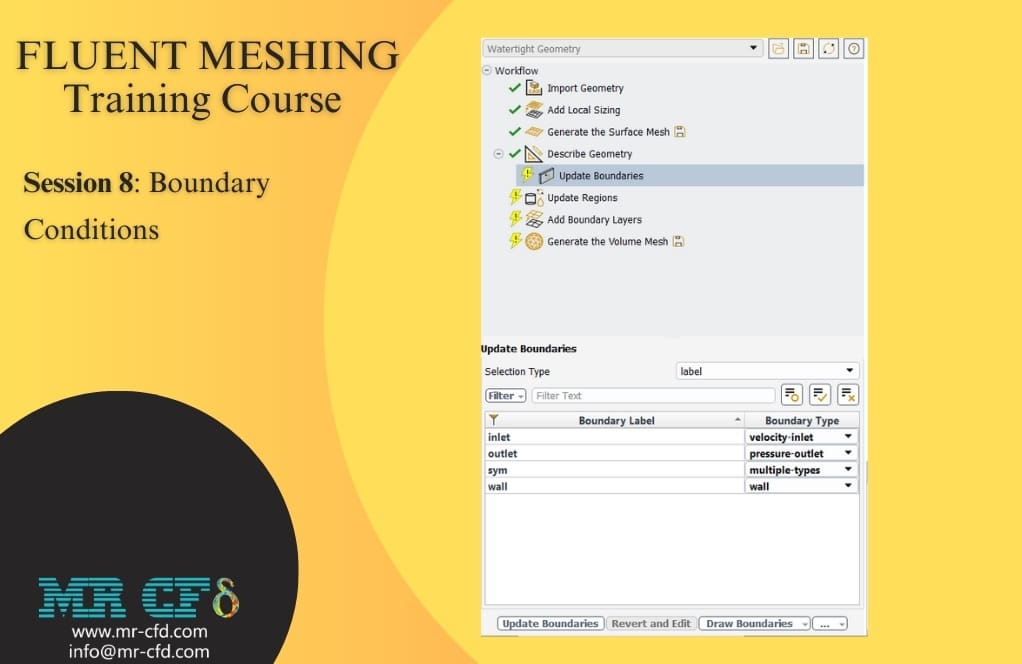
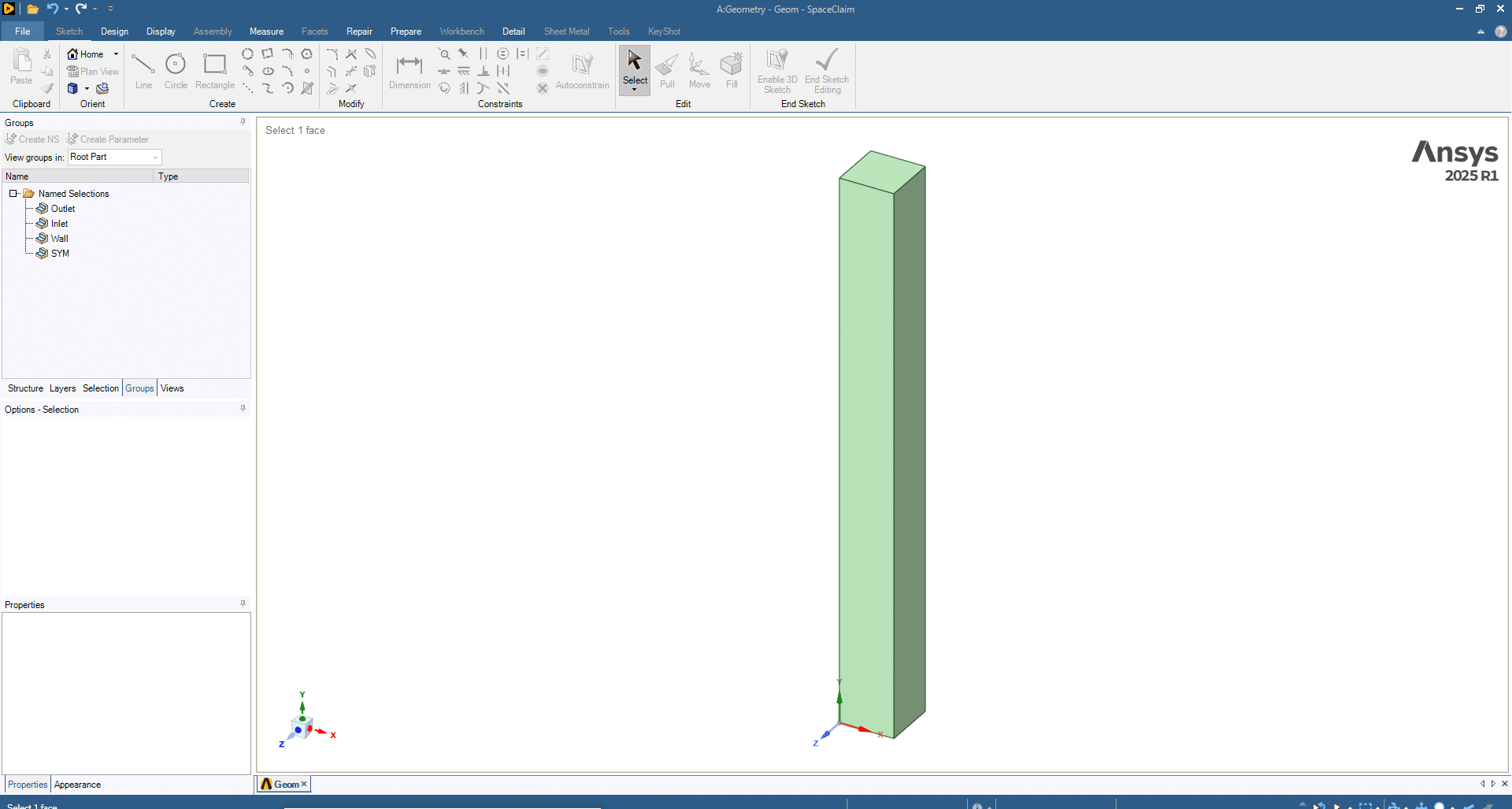
- In the Fluent Meshing Training Course: Session 8, Boundary Conditions, we created a simple cube geometry in SpaceClaim, applied name selections, and imported it into Fluent Meshing.
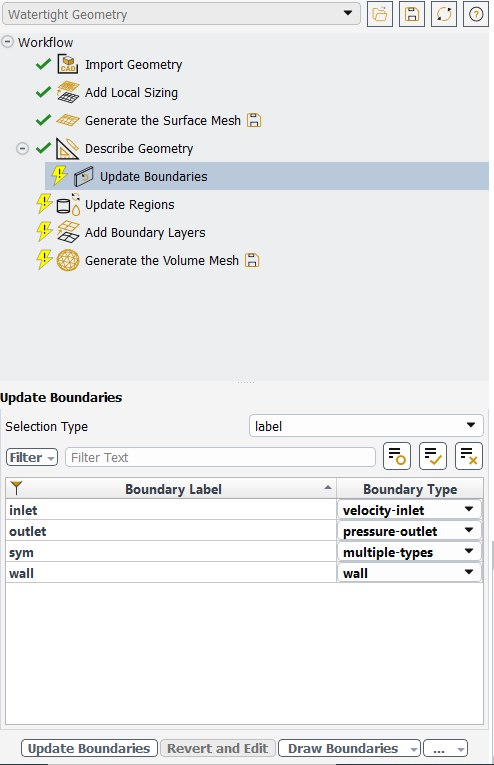
- After generating the surface mesh and defining the domain as fluid, we explored how the software automatically assigns boundary conditions such as velocity-inlet, pressure-outlet, wall, and symmetry.
- We also reviewed different boundary condition types (inlets, outlets, walls, symmetry, interfaces, vents, fans, etc.) and their applications.
- Finally, boundaries were updated to prepare the model for simulation, highlighting the importance of correct boundary selection for accurate and stable results.
To Order Your Project or benefit from a CFD consultation, contact our experts via email (info@mr-cfd.com), online support tab, or WhatsApp at +44 7443 197273.
There are some Free Products to check our service quality.
If you want the training video in another language instead of English, ask it via info@mr-cfd.com after you buy the product.
Description
Fluent Meshing Training Course: Session 8, Boundary Conditions
In this session, a simple 3D cube geometry was created in SpaceClaim and imported into Fluent Meshing. Name selections were applied in the CAD environment to facilitate automatic boundary recognition. Local sizing was added to control surface discretization and generate a surface mesh. The geometry was defined as a fluid-only domain to prepare for boundary assignment.
Boundary Condition Types
The different boundary condition options available in Fluent Meshing are listed below.
Velocity Inlet: Specifies the magnitude and direction of flow velocity, which is used when the inlet velocity is known.
Pressure Inlet: This applies static or total pressure at the inflow and is common in compressible or external flows.
Mass Flow Inlet / Outlet: Imposes prescribed mass flow rates applicable for ducts or measured systems.
Pressure Outlet: Defines static pressure at outflow, a standard option allowing flow adjustment.
Outflow: Assumes fully developed flow when outlet data is unavailable.
Symmetry: Defines symmetry planes for domain reduction and computational efficiency.
Wall: Represents solid boundaries with options for no-slip, slip, roughness, and thermal settings.
Internal / Interface: Represents internal surfaces or mesh connections, ensuring regional continuity.
Far-Field: Defines free-stream conditions, typically used in external aerodynamics.
Specialized Conditions: Options such as Overset, Fans (Intake, Exhaust, Simplified), Vents (Inlet/Outlet), Porous Jump, and Radiator were introduced for advanced applications involving rotating machinery, HVAC, or heat exchangers.
Updating Boundaries
After reviewing and modifying boundary types where necessary, the “Update Boundaries” feature was used. This step confirmed all boundary definitions and prepared the model for subsequent meshing and solver setup.
You must be logged in to post a review.



 Talk On WhatsApp
 Talk On WeChat

Reviews
There are no reviews yet.