SpaceClaim Course, Session 16: Creating Assembly

Free

  • Overview of the Assembly environment in SpaceClaim for building a single model from multiple parts.
  • covering practical use of Orient, Tangent, Align, Move, and Anchor to position and constrain components.
  • covering common constraint issues and their handling via the Structure tree in CFD-oriented geometries.

Click on Add To Cart and obtain the Geometry file, Mesh file, and a Comprehensive ANSYS Fluent Training Video.

To Order Your Project or benefit from a CFD consultation, contact our experts via email (info@mr-cfd.com), online support tab, or WhatsApp at +44 7443 197273.

There are some Free Products to check our service quality.
If you want the training video in another language instead of English, ask it via info@mr-cfd.com after you buy the product.

Special Offers For Single Product

Get a FREE consultation to discuss running your simulations on our high-performance computing systems
If you need the Geometry designing and Mesh generation training video for one product, you can choose this option.
editable geometry and mesh allows users to create and modify geometry and mesh to define the computational domain for simulations.
The case and data files in ANSYS Fluent store the simulation setup and results, respectively, for analysis and post-processing.
Geometry, Mesh, and CFD Simulation methodologygy explanation, result analysis and conclusion
Enhancing Your Project: Comprehensive Consultation and Optimization Services
The MR CFD certification can be a valuable addition to a student resume, and passing the interactive test can demonstrate a strong understanding of CFD simulation principles and techniques related to this product.
The journal file in ANSYS Fluent is used to record and automate simulations for repeatability and batch processing.

Description

1. Introduction

Assembly is one of the practical environments in the SpaceClaim software that allows us, instead of creating a single geometry as an integrated model, to model its different parts separately and then connect them to each other in order to obtain an integrated geometry. Mastering this capability can have a very positive effect on your modeling skills as a CFD engineer.

2. Objectives

In this tutorial, in order to teach the various tools in the Assembly environment more effectively, features such as Orient, Tangent, and Align will be explained.

Assembly2.1. Orient

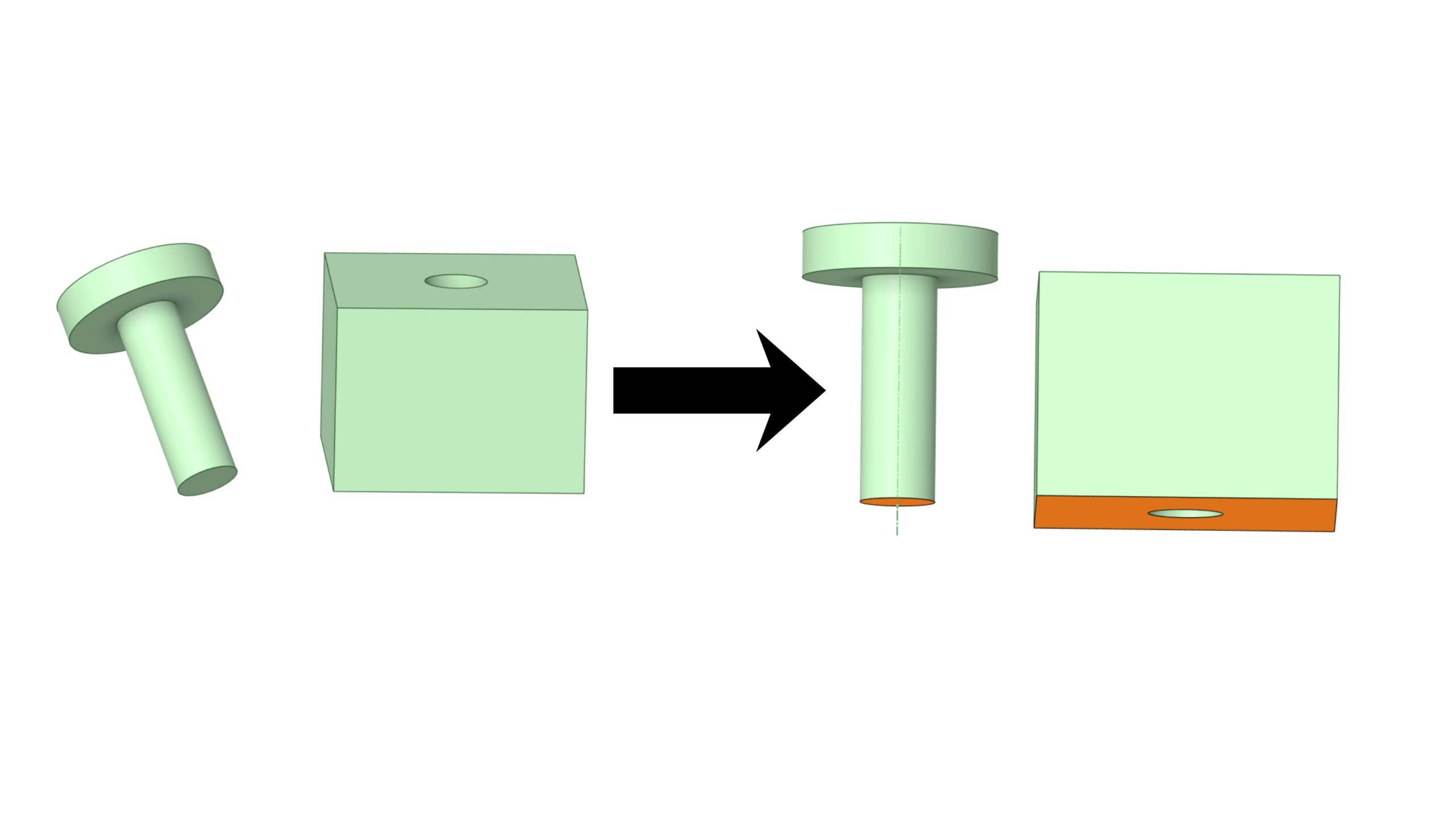
The Orient command is used to align the orientation of faces, edges, or axes so that their directions match. It mainly adjusts direction rather than fully repositioning the parts in space.

Assembly2.2. Tangent

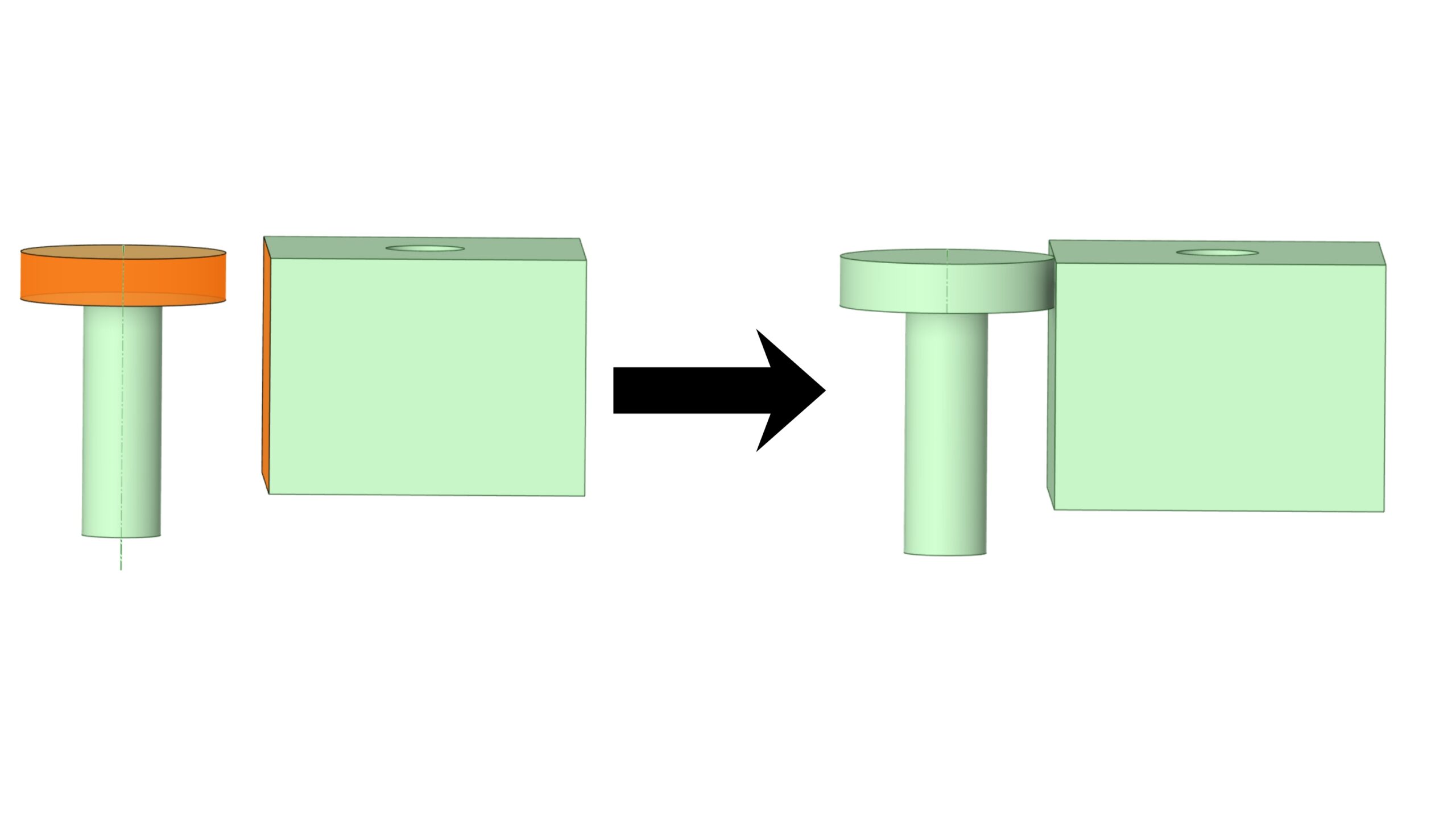
The Tangent command forces two geometries to touch each other tangentially, for example a wheel on a surface or a cylinder against a curved face. It ensures contact without any angle between the surfaces at the contact region.

Assembly2.3. Align

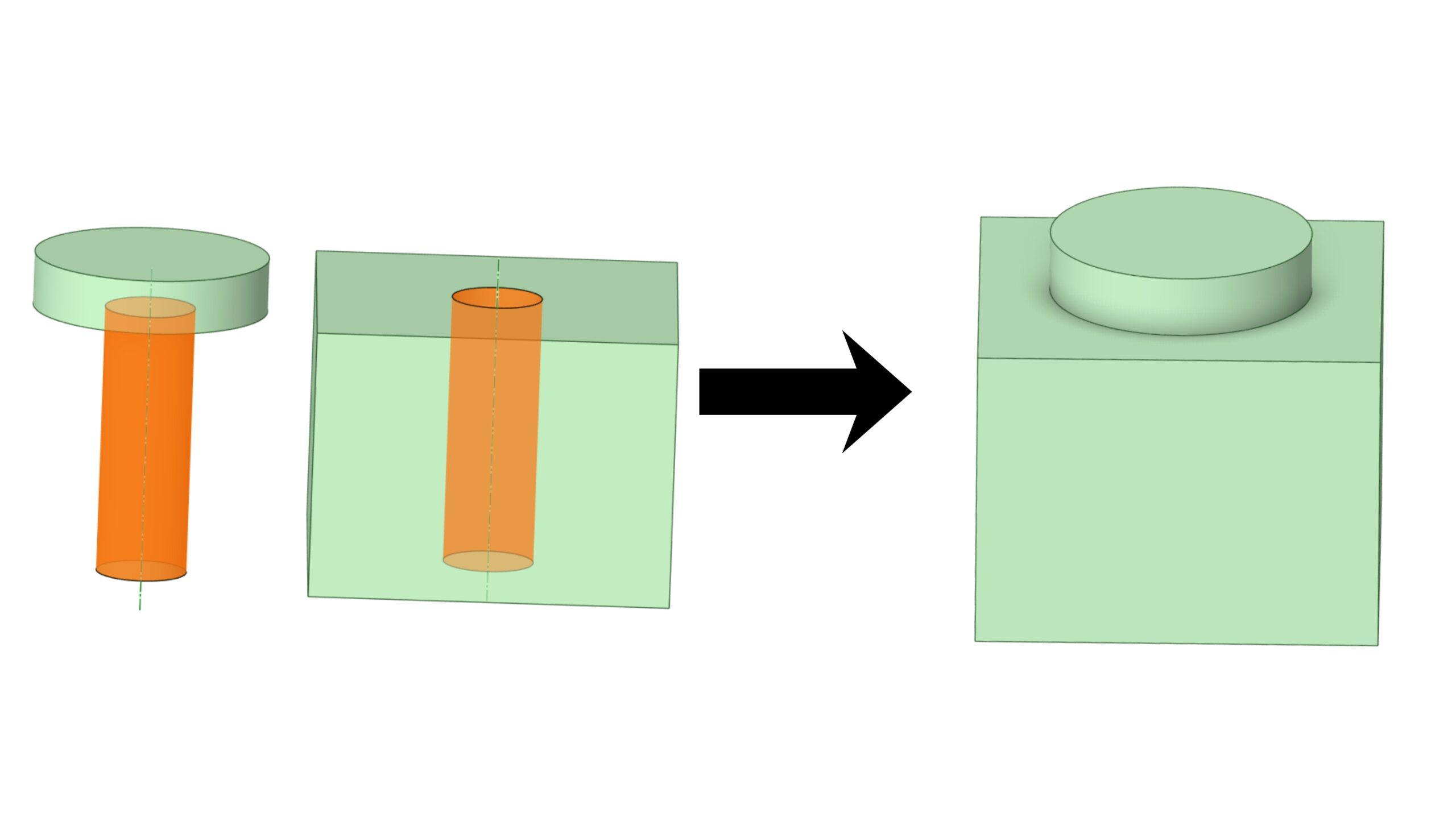
The Align command is used to align and position geometries relative to each other, such as making two axes concentric or two faces coplanar. It creates geometric constraints so that parts sit in the correct relative position in the Assembly.

Assembly

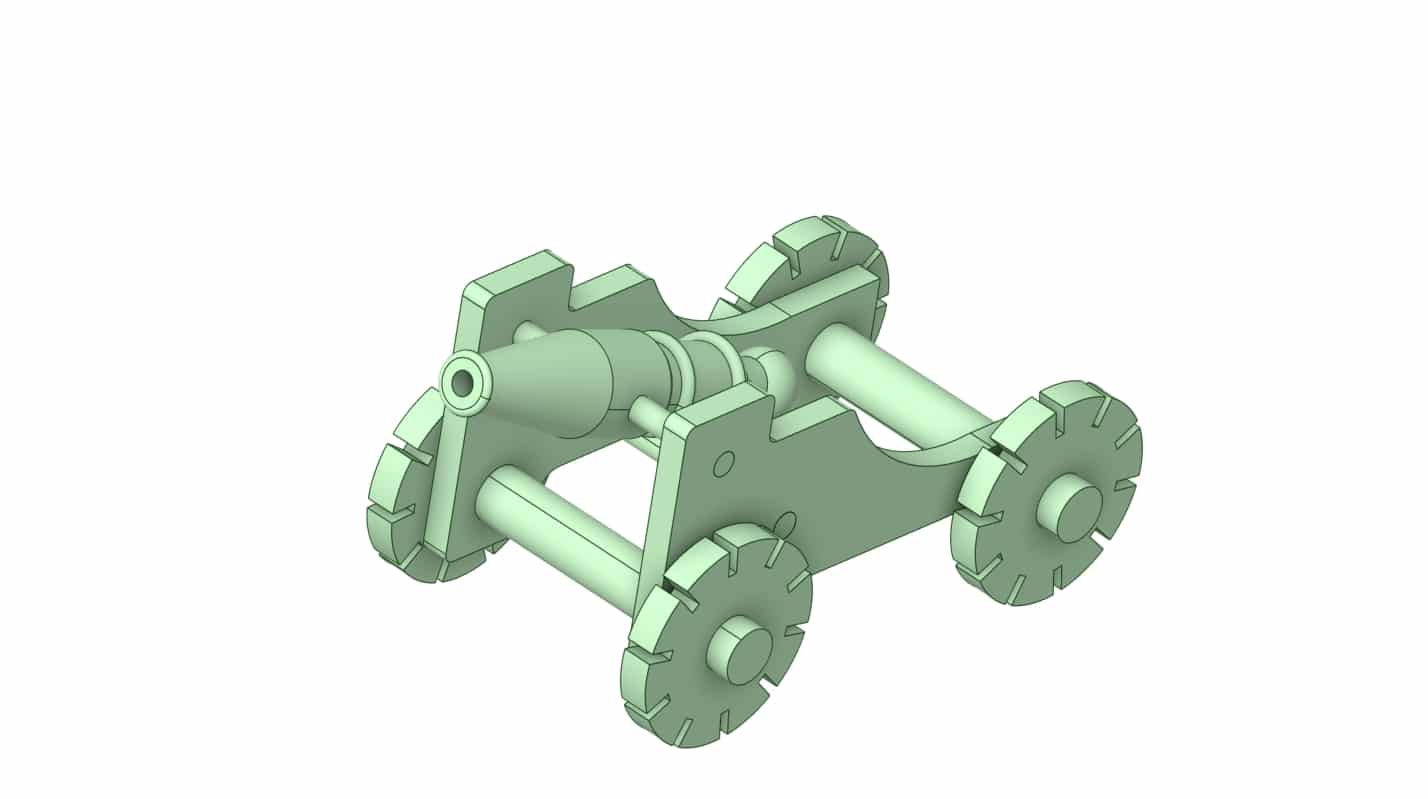
In this session, we introduced the basic concepts of Assembly in SpaceClaim by starting with simple geometries and gradually moving to a more complex cannon model.

We practiced using the Orient, Tangent, and Align tools, as well as temporary moves and Anchor, to correctly position and constrain parts in the Assembly environment.

Finally, we discussed common issues such as failed or conflicting constraints and showed how to manage them through the Structure tree to achieve the desired final configuration.

Reviews

There are no reviews yet.

Leave a customer review
Back To Top
Search
Whatsapp Talk On WhatsApp
Whatsapp Talk On WeChat
HPC
Your Cart

Your cart is empty.