
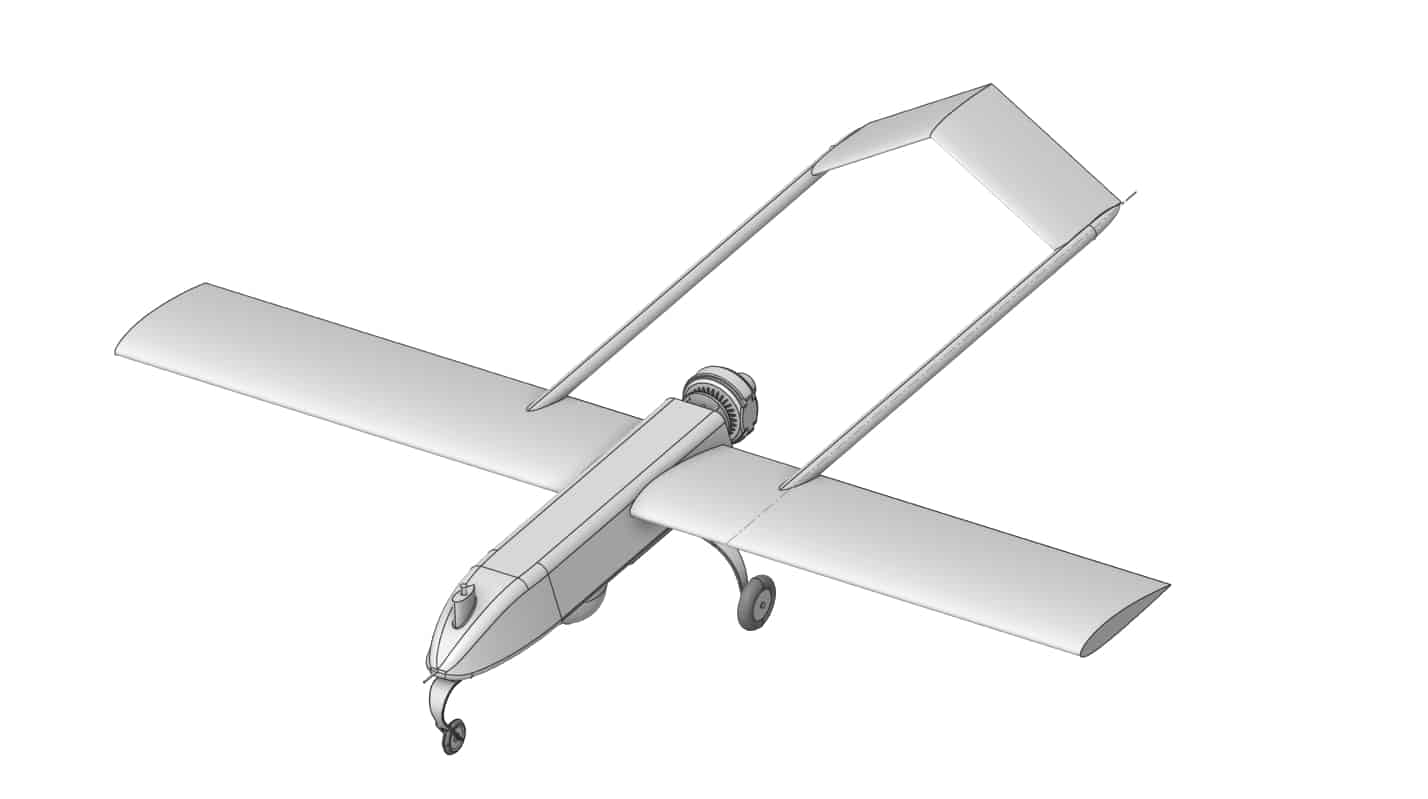
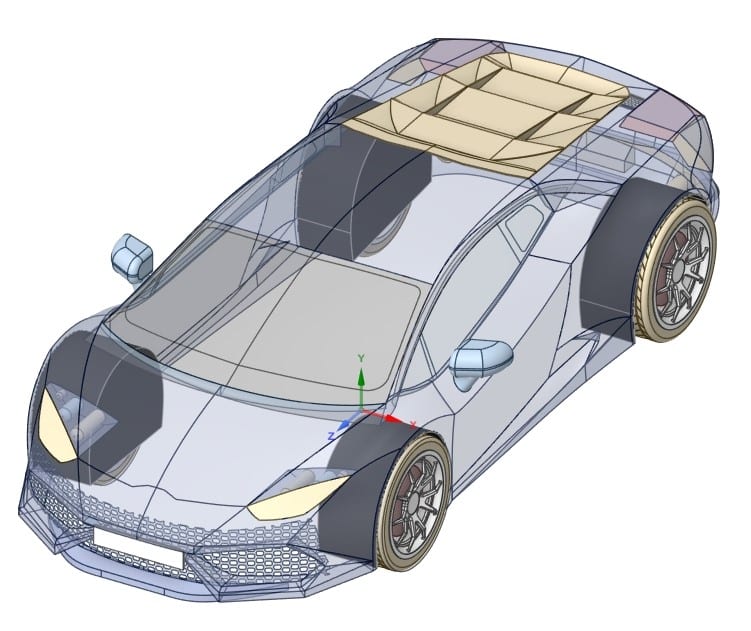
SpaceClaim Course, Session 19: SpaceClaim Repair, Part2
Free
- Repair imported geometry and convert open surface models into closed solid bodies by using SpaceClaim Repair Commands.
- Use Stitch, Missing Faces, Gaps, Split Edges, and Inexact Edges in a systematic repair process.
- Visually inspect problematic regions and apply local repair instead of blind, automatic fixes.
- Prepare a clean, watertight model that is ready for high quality meshing and accurate simulation.
To Order Your Project or benefit from a CFD consultation, contact our experts via email (info@mr-cfd.com), online support tab, or WhatsApp at +44 7443 197273.
There are some Free Products to check our service quality.
If you want the training video in another language instead of English, ask it via info@mr-cfd.com after you buy the product.
Description
1. Introduction
In this session of the SpaceClaim course, we present the second part of the SpaceClaim Repair tab. This section focuses on repairing imported CAD geometries to better understand how to overcome challenges encountered during geometry repair. You will learn several advanced techniques to navigate these challenges effectively. Our examples cover a diverse range of issues, each presenting unique difficulties that will enhance your ability to utilize the commands within the SpaceClaim Repair tab more proficiently.
2. Objectives
In this session, we cover the most practical commands of the SpaceClaim Repair tab, including Stitch, Missing Faces, Small Faces, Inexact Edges, among others.
2.1. Stitch Tool:
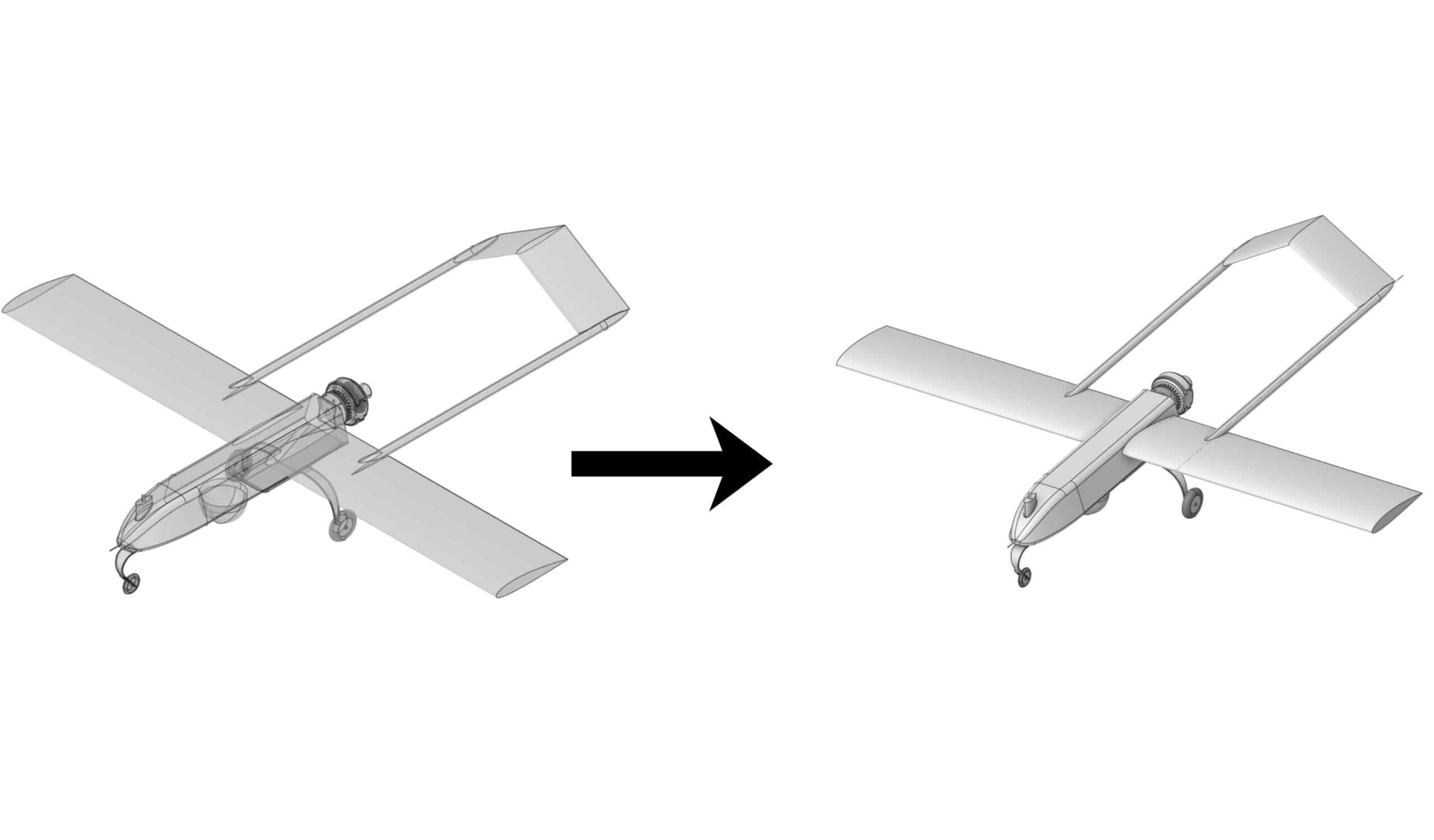
The Stitch tool in SpaceClaim connects surfaces that are in contact along their edges. If the connected surfaces completely enclose a volume, a solid object is automatically formed. This tool is particularly useful for repairing multiple surface areas by merging them into a single body.
2.2. Missing Faces:
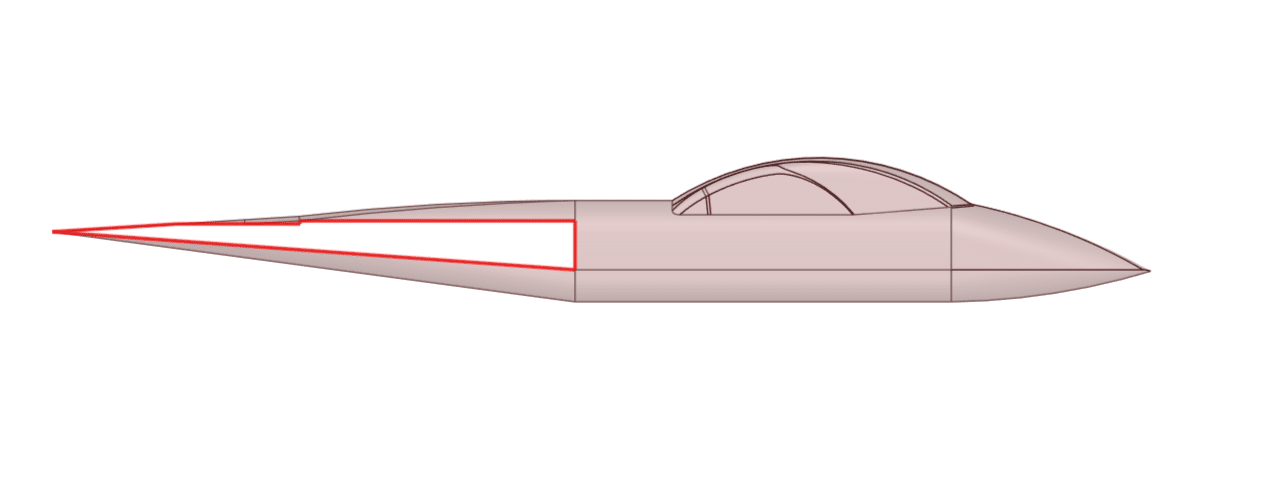
The Missing Faces tool automatically detects and fills in missing faces on an object, which helps restore incomplete geometries.
2.3. Small Faces:
The Small Faces tool identifies and removes tiny or sliver surfaces in a 3D model. While these small surfaces typically do not affect simulation accuracy, they can slow down the process. When a small surface is tangentially connected to another surface, SpaceClaim merges them to create a cleaner model.
2.4. Inexact Edges:
The Inexact Edges tool locates edges that are not perfectly aligned often due to importing geometry from other CAD programs. These edges are slightly misaligned or offset, and the tool corrects these inaccuracies to ensure the geometry is clean and ready for simulation and meshing.
3. Summary
This session focused comprehensively on the practical commands within the SpaceClaim Repair tab, including Stitch, Missing Faces, Small Faces, and Inexact Edges. It emphasized techniques for addressing common issues in imported CAD geometries, such as repairing gaps, filling missing surfaces, and correcting misaligned edges. Through diverse examples, participants learned how to effectively apply these commands individually to prepare complex models for simulation and further processing.
You must be logged in to post a review.
 Talk On WhatsApp
 Talk On WeChat

Reviews
There are no reviews yet.