
SpaceClaim Course, Session 20: Practical Prepare Tab
Free
-
Creates internal fluid domains for analysis using seed faces or edge selection loops.
-
Prepare geometry for simulation by simplifying complex features and removing unnecessary details.
-
Detecting and resolving overlapping bodies and corrupted surface topology automatically.
-
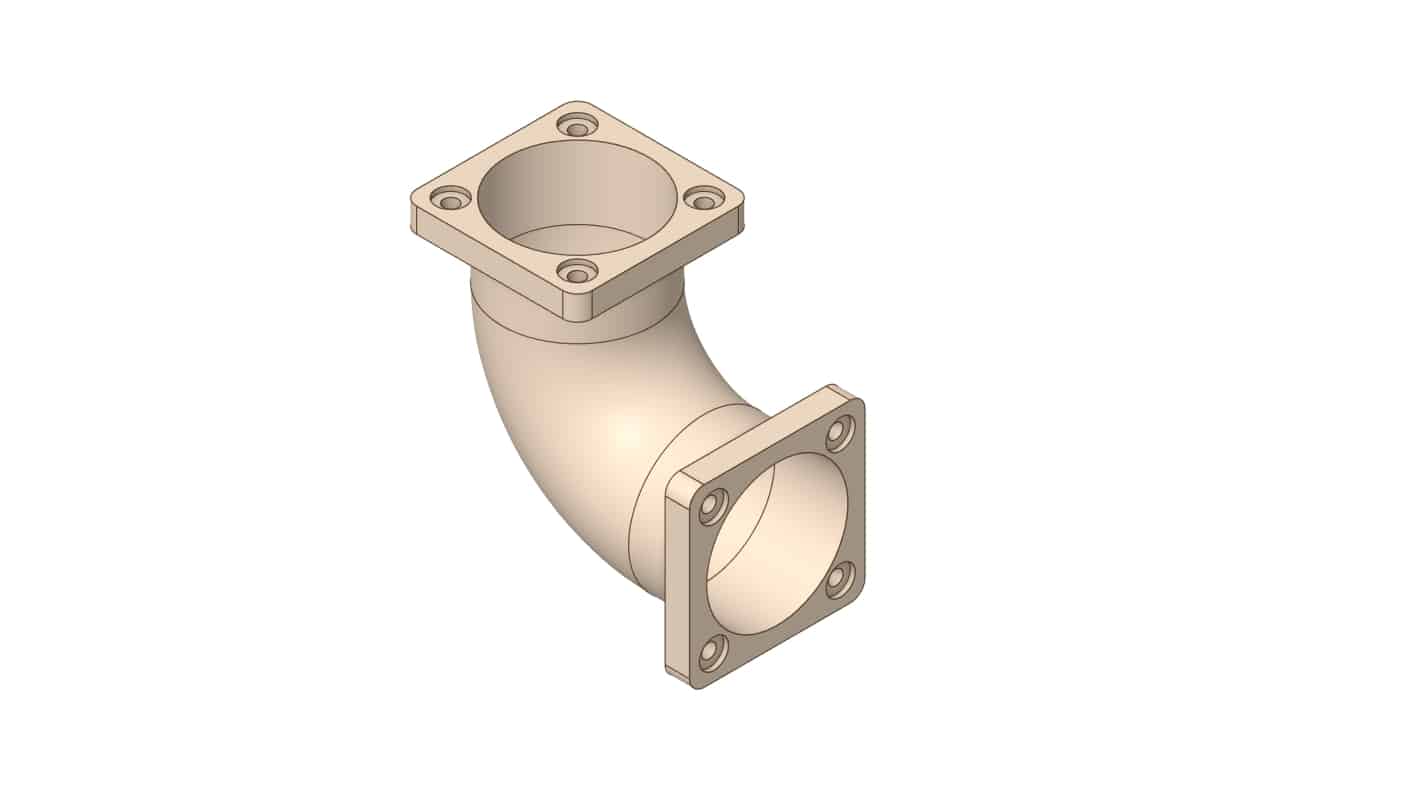
Replacing rounded corners with sharp edges to simplify meshing and reduce model complexity.
To Order Your Project or benefit from a CFD consultation, contact our experts via email (info@mr-cfd.com), online support tab, or WhatsApp at +44 7443 197273.
There are some Free Products to check our service quality.
If you want the training video in another language instead of English, ask it via info@mr-cfd.com after you buy the product.
Description
1. Introduction
In this session of the SpaceClaim software training, we will explore the Prepare tab. The primary objective of the Prepare tab is to prepare and simplify a geometric model for analysis. Models imported from other software often contain unnecessary details or defects that make the Meshing process difficult and time-consuming. The tools within this tab assist you in resolving these issues.
2. Objectives
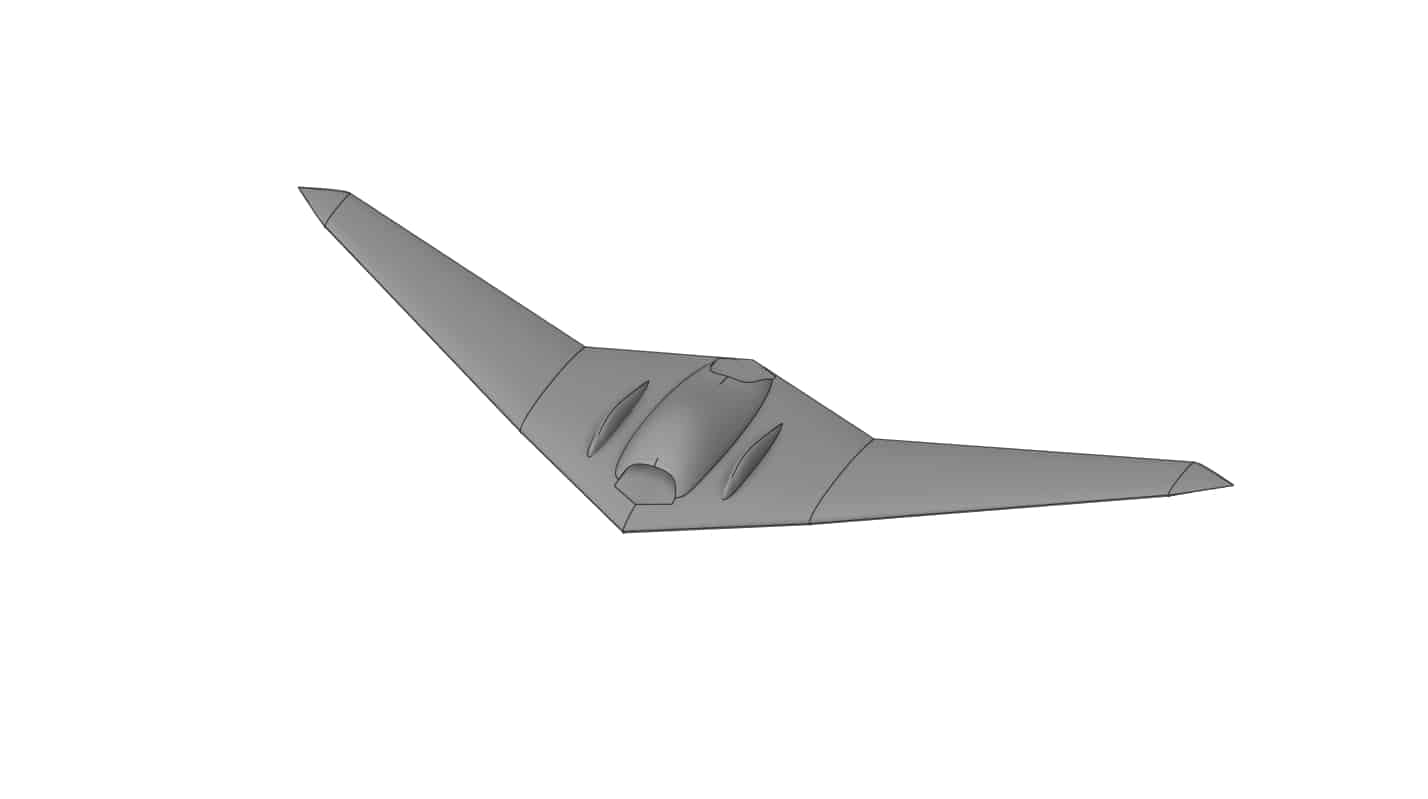
Following the explanation of various commands in the Prepare tab, this session will cover several tools from this tab, including Volume Extract, Midsurface, Interference, Rounds, and Bad Faces. Each of these tools plays a crucial role in correcting and preparing our geometries, making learning them essential for us.
2.1. Volume Extract
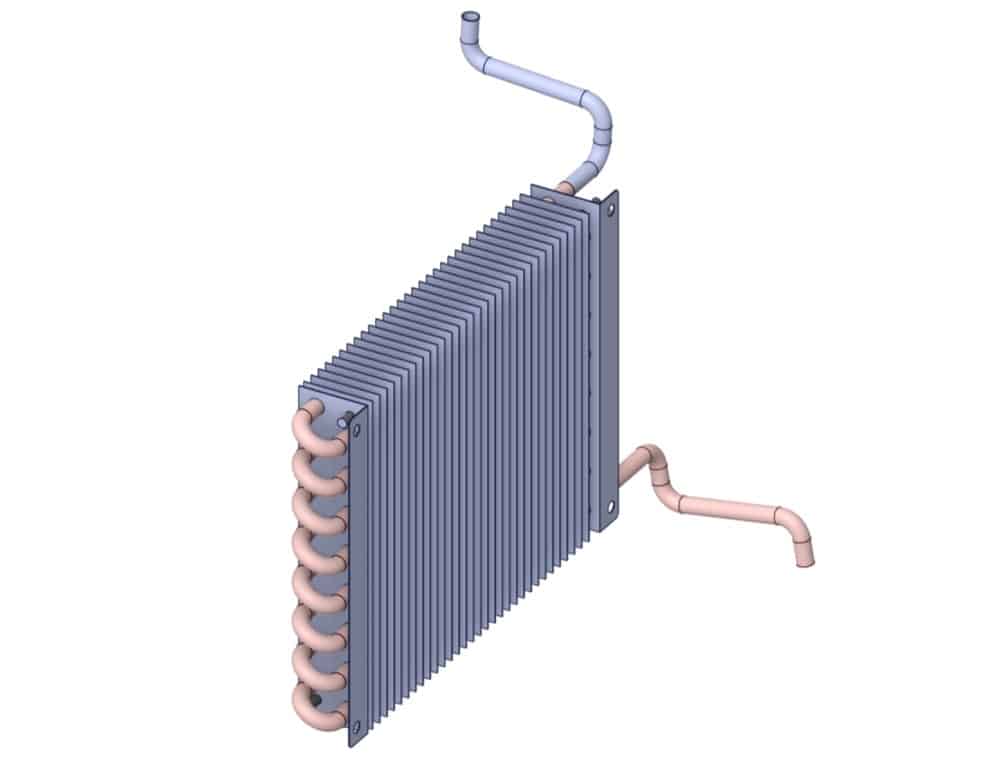
Often, you may find yourself in a situation where you have either drawn a geometry like this heat exchanger or downloaded a ready model. However, since fluid dynamics considerations are often overlooked in these pre made drawings, they lack the secondary volume inside the pipes required to represent the fluid flow. Fortunately, SpaceClaim offers a built-in feature to address this issue.
2.2. Midsurface
For 3D models with thin thickness (such as sheet metal), this command extracts a 2D surface from the middle of their thickness. This makes structural analysis much lighter and faster.
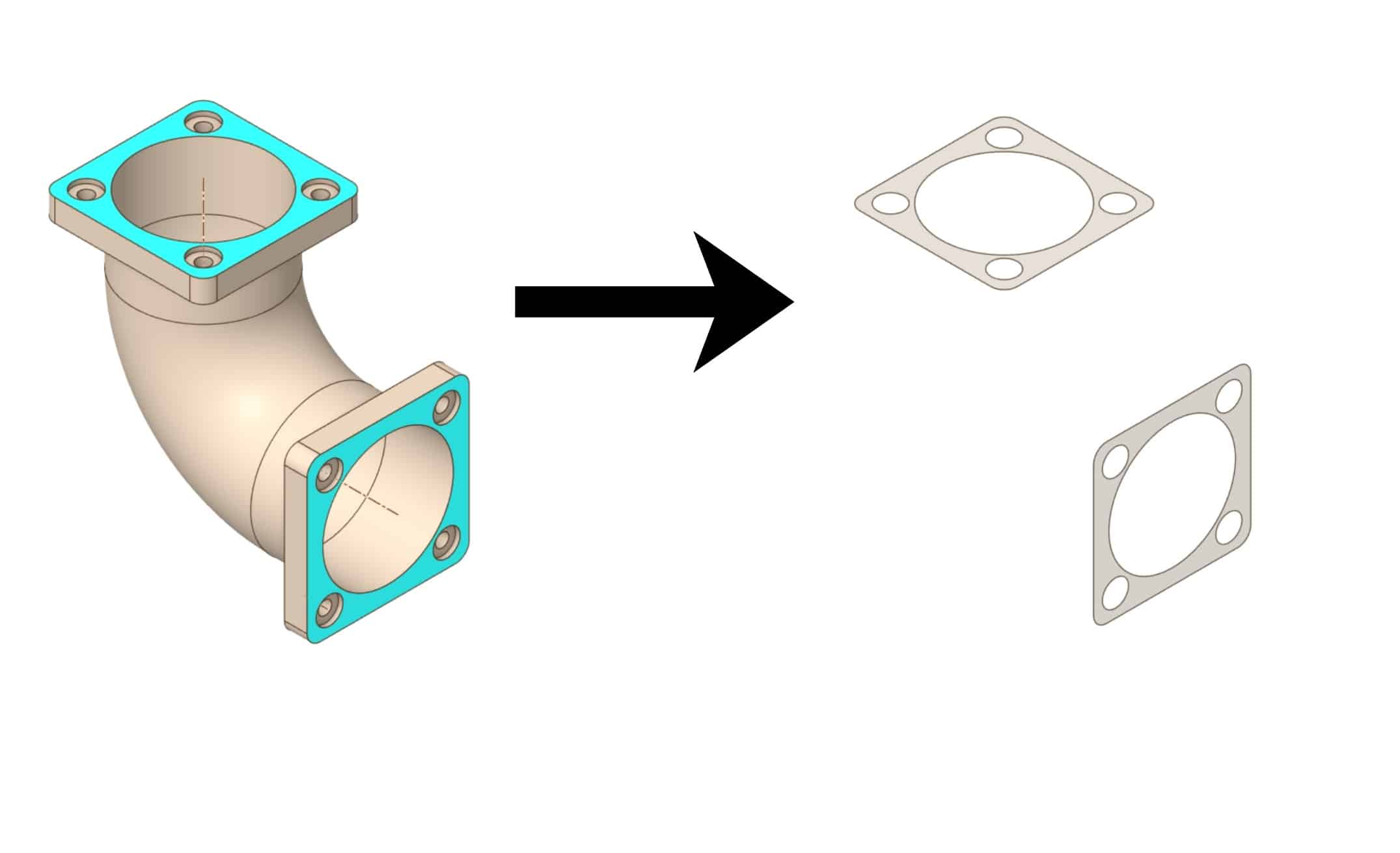
2.3. Bad Faces
The Bad Faces tool is used to detect and repair flawed or corrupted surfaces within the geometry. It identifies faces that have issues with continuity, normals, or topology and allows you to either automatically fix them or delete and replace them with new, clean surfaces to ensure a valid solid model.
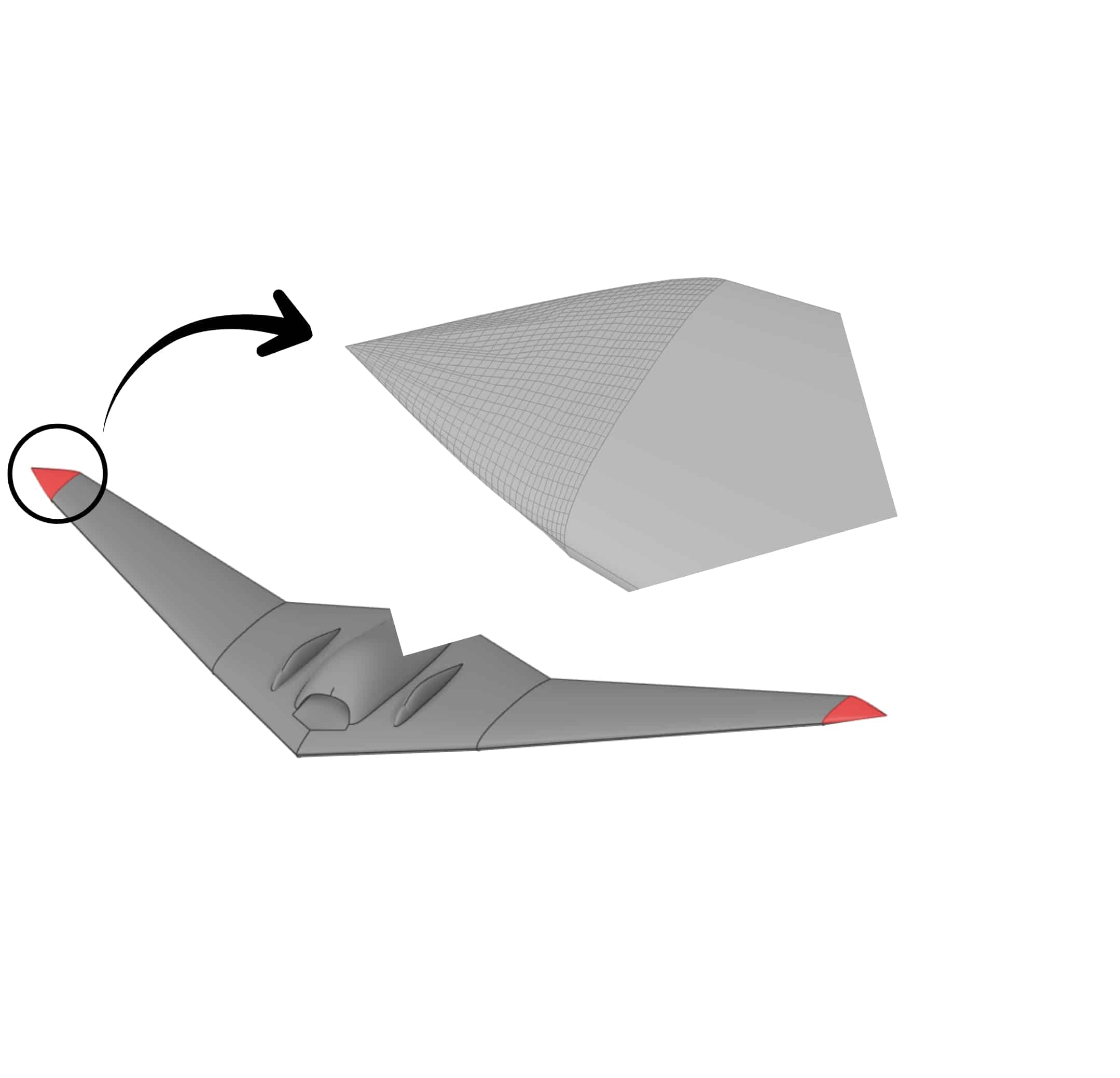
3. Summary
This session introduced the Prepare tab in SpaceClaim, essential for optimizing geometry before analysis. Key tools covered include Volume Extract for generating fluid domains, Stitch and Missing Faces for repairing gaps, and Bad Faces for fixing surface defects. We also explored simplifying models using Rounds removal and handling complex repairs to ensure a high-quality, closed solid mesh-ready model.
You must be logged in to post a review.

 Talk On WhatsApp
 Talk On WeChat

Reviews
There are no reviews yet.