
SpaceClaim Course, Session 21: Facets Tab
Free
- Facets Tab in ANSYS SpaceClaim: STL Repair Tools for CFD Engineers.
- Facets Tab Tutorial: Auto Fix, Holes, Shrinkwrap & Fix Sharps Explained.
- Check, Fix, and Prepare STL Geometry.
- From Dirty STL to Clean Geometry: Essential SpaceClaim Facets Tools.
To Order Your Project or benefit from a CFD consultation, contact our experts via email (info@mr-cfd.com), online support tab, or WhatsApp at +44 7443 197273.
There are some Free Products to check our service quality.
If you want the training video in another language instead of English, ask it via info@mr-cfd.com after you buy the product.
Description
Description
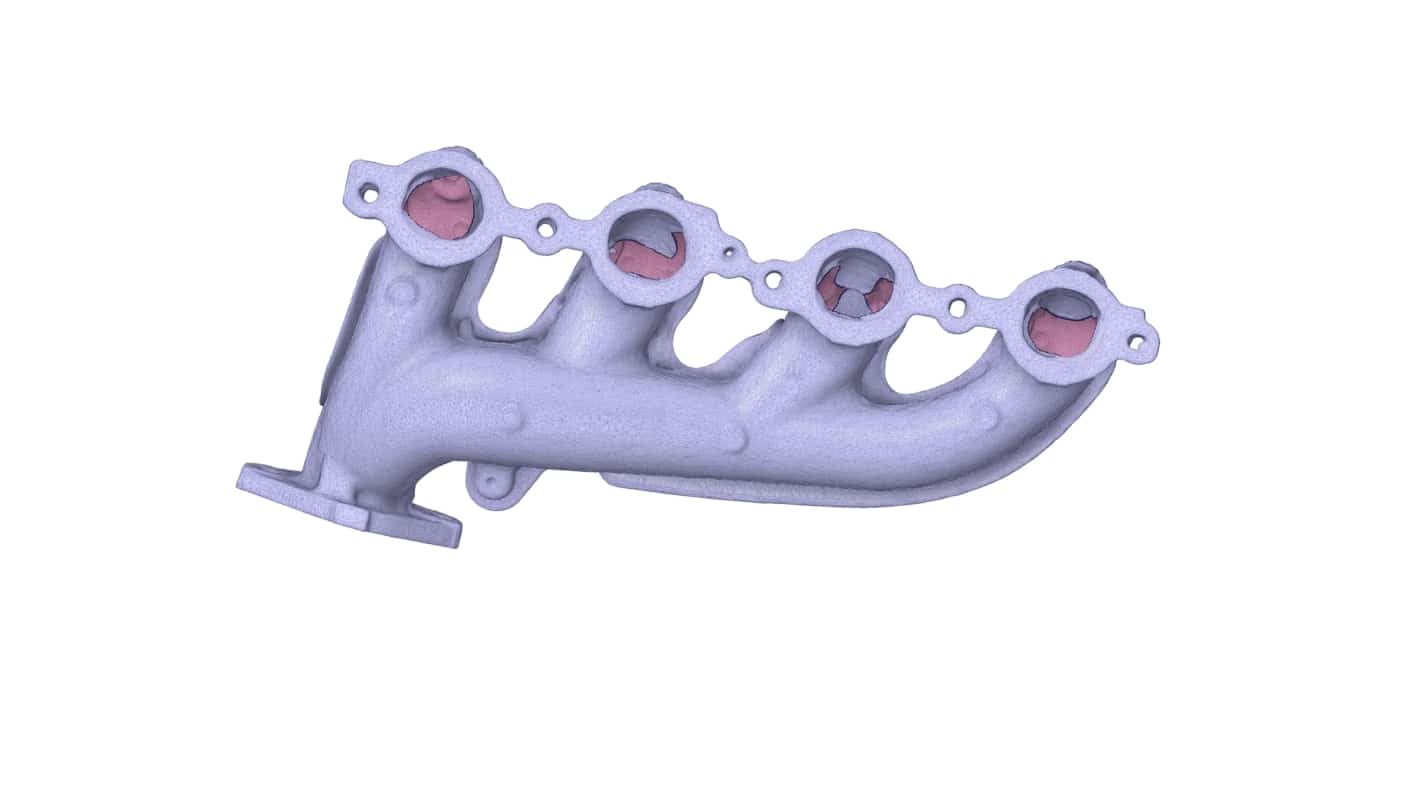
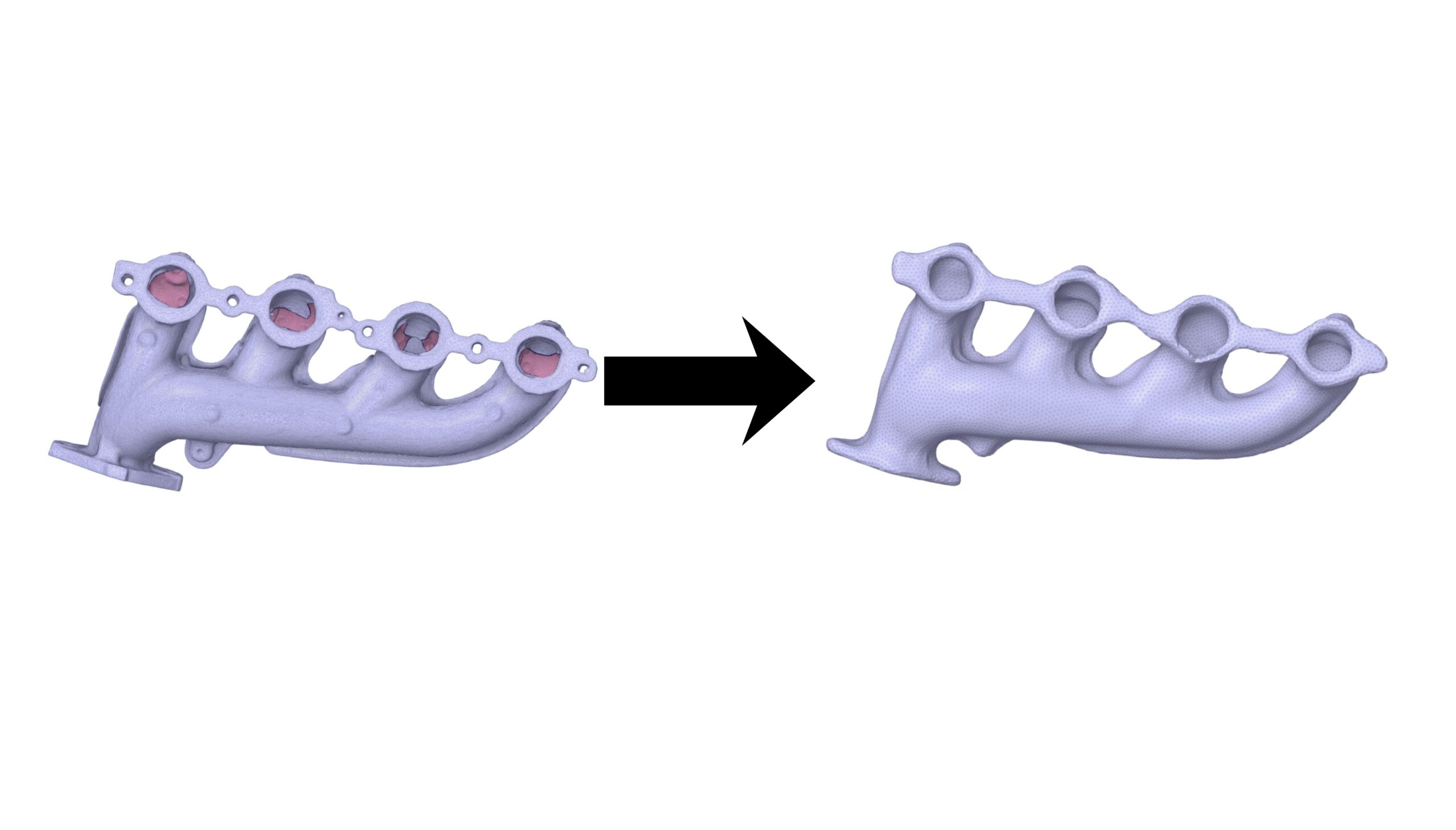
Facets Tab of SpaceClaim Software is an essential thing to learn for many Mechanical engineers and CFD engineers. There are some Situations that Engineers have Scaned STL File of the Geometry and thats the time that the Engineers Should deal with some challenges and make a well prepared Geometry of that file for their analysis which spaceclaim covers many applicatioins which allows them to better prepare these CAD files. Some of these Options inside Facets tab are: Holes, Auto Fix ,Fix Sharps and Shrinkwrap which has been discussed in this session.
Holes
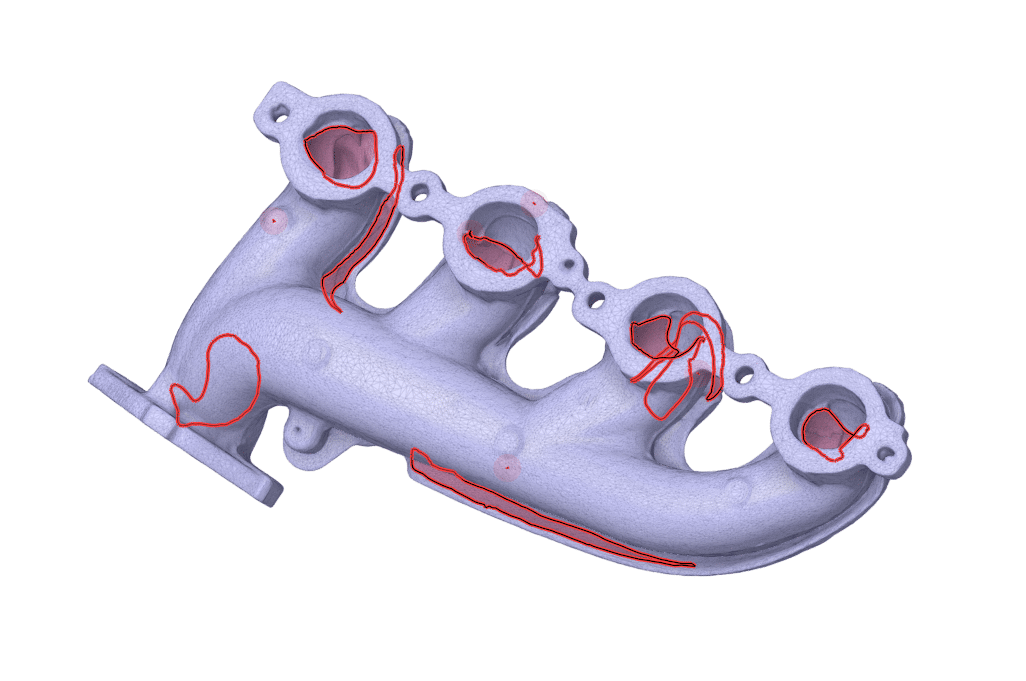
Holes Tool of Facets Tab works similarly like missing faces tool of repair tab. Once you Enable this Tool it automatically Finds and Highlights Holes which Possibly Should Fill to Have a better closed geometry. You can Fix them manually or Fix them all at once.
Fix Sharps
In many scanned STL Files your geometry file contains many unwanted spikes sticking out of it or deep scratches digging in to it. the Fix Sharps Tool of Facets Tab finds these unnatural sharp spikes and flattens or smooths them out to make the surface regular.
Shrinkwrap
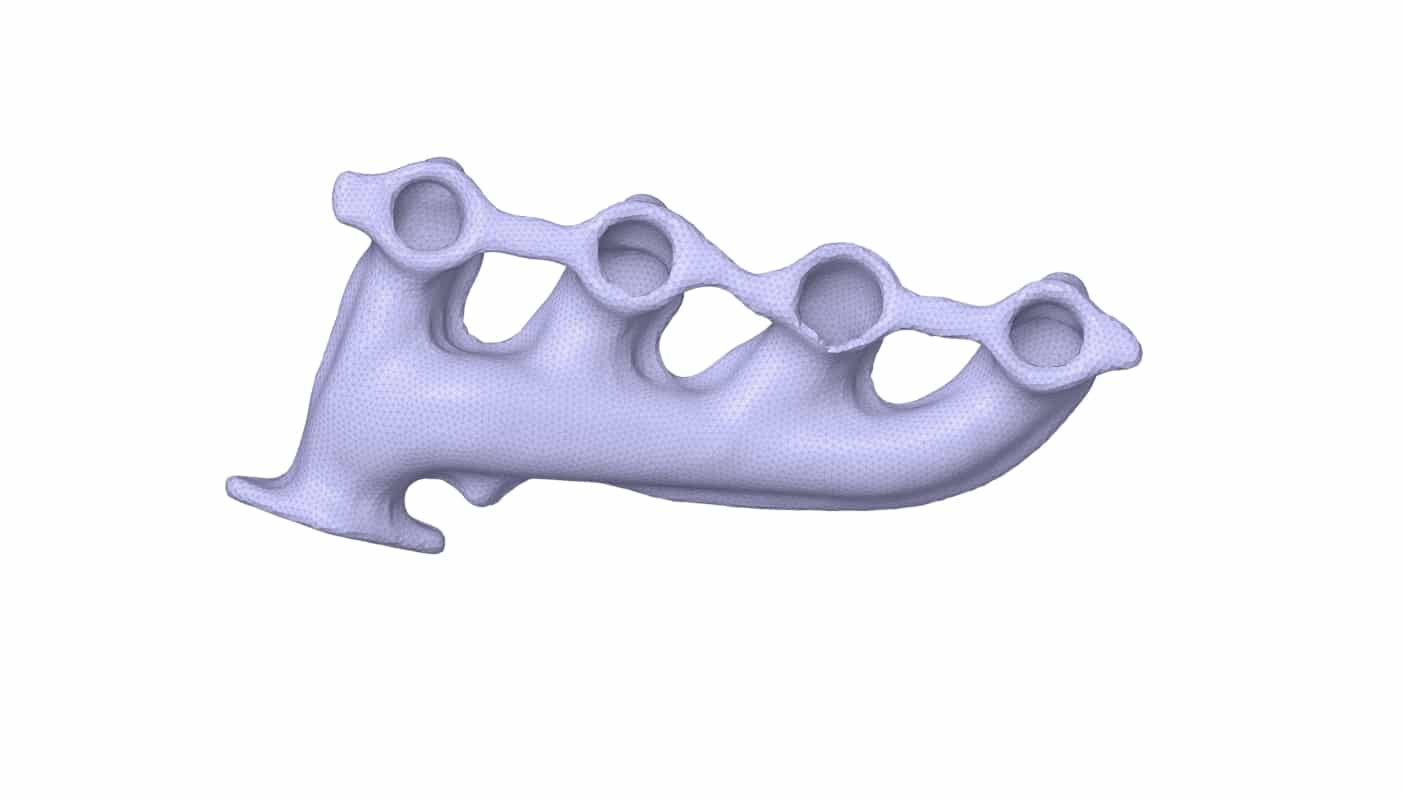
When you have a complicated part made of many screws and plates, or a very dirty scan with lots of holes and noise. You want a simple, clean ghost or skin of the outside shape without all the internal mess. The Shrinkwrap tool of Facets Tab does exactly that. it wraps a tight, new digital skin around your object, sealing all the gaps and ignoring the internal details.
Summary
Facets tab includes many practical tools for Engineers To prepare STL files. after accomplishing the learning of this session you will have a quite good base ability to handle these kinds of geometry files and by practicing extra example you can Improve your Skills.
You must be logged in to post a review.

 Talk On WhatsApp
 Talk On WeChat

Reviews
There are no reviews yet.