
SpaceClaim Course, Session 23: Parametric Modeling
Free
-
Introduction to Parametric Modeling and Block Recording in Ansys SpaceClaim.
-
Creating and editing simple 2D sketches and converting them to 3D bodies.
-
Using the Blocks panel to track and modify the design history.
-
Converting key dimensions to parameters and linking them to DOE studies in Workbench.
To Order Your Project or benefit from a CFD consultation, contact our experts via email (info@mr-cfd.com), online support tab, or WhatsApp at +44 7443 197273.
There are some Free Products to check our service quality.
If you want the training video in another language instead of English, ask it via info@mr-cfd.com after you buy the product.
Description
1. Introduction
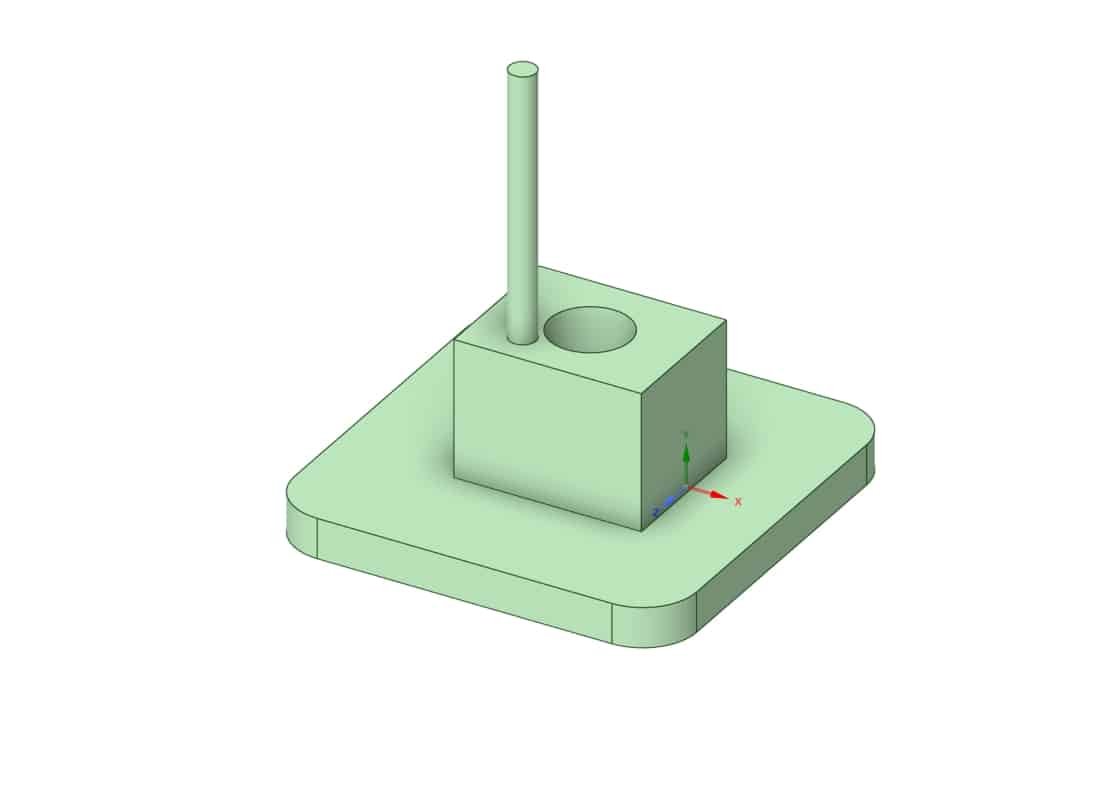
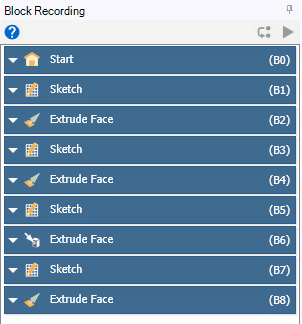
Parametric modeling in SpaceClaim is one of the most practical modeling approaches, because it allows you to access the full history of your design process and modify the model at any stage. In this session, this tool will be introduced and its capabilities will be demonstrated by creating and editing a few simple geometries. You will see how to record operations, adjust key dimensions, and update the model without rebuilding it from scratch. By the end, you will be able to use parametric modeling in SpaceClaim as a flexible and efficient way to control your geometry.
 2. Add Parameter
Add Parameter is a command used to convert a normal dimension into a controllable model parameter. When you apply Add Parameter to a dimension (such as a diameter or length), that value is exposed to the parameter set so it can be edited later without reopening the sketch. This parameter then appears in Workbench, where it can be used in studies such as Design of Experiments (DOE) and optimization by automatically varying its value and regenerating the geometry. For a deeper understanding of DOE and its practical applications, you can refer to the MR CFD website and study the training course titled “Optimization (DOE and RSM): ANSYS Fluent CFD Simulation Training Course”.
 3. Summary
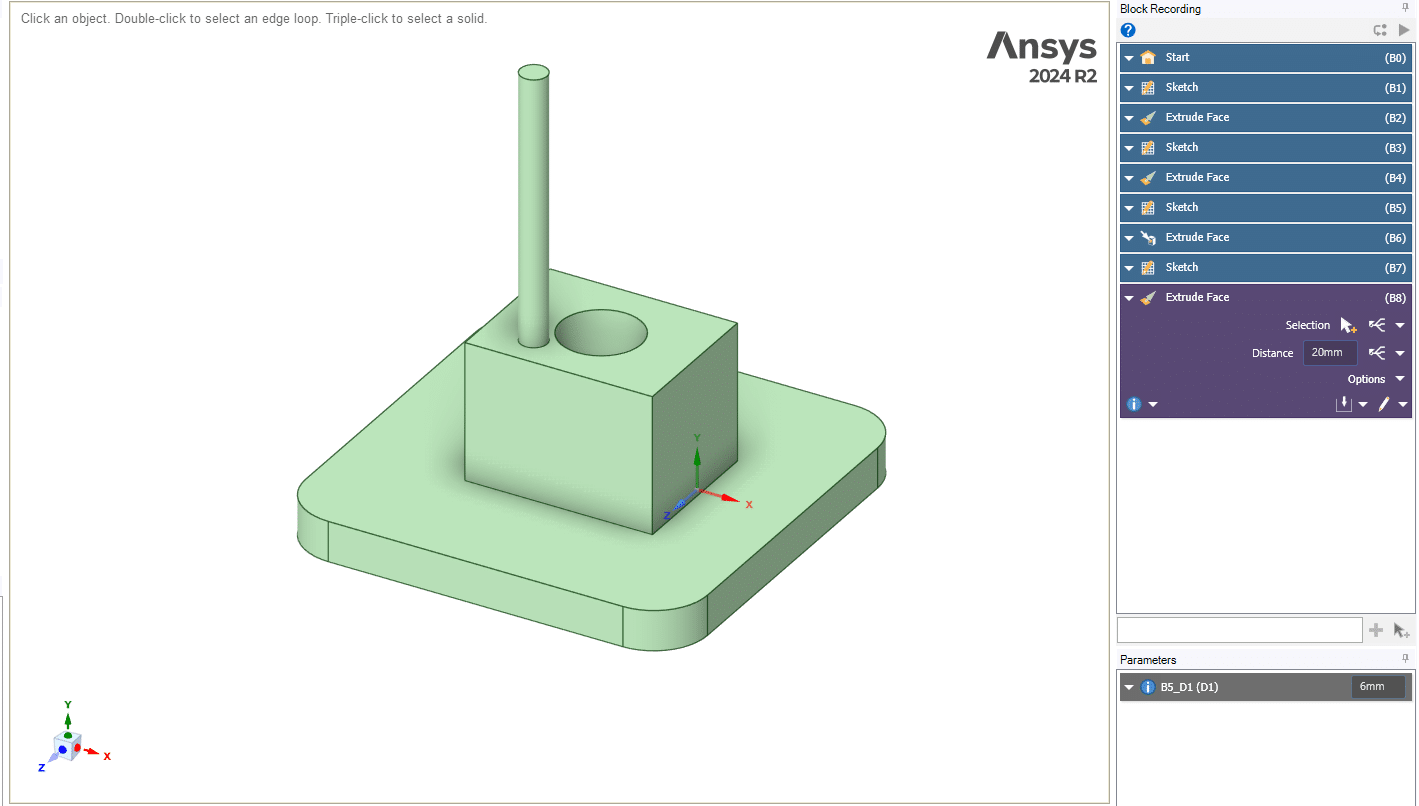
This tutorial demonstrated how to use parametric modeling and Block Recording in Ansys SpaceClaim to create and modify geometry in a controlled way. You learned how to build simple 3D shapes from sketches, edit their key dimensions, and track all changes through the Blocks panel. A modified diameter was converted into a parameter using the Add Parameter option, making it available in Workbench for further studies such as DOE and optimization.
You must be logged in to post a review.


 Talk On WhatsApp
 Talk On WeChat

Reviews
There are no reviews yet.