
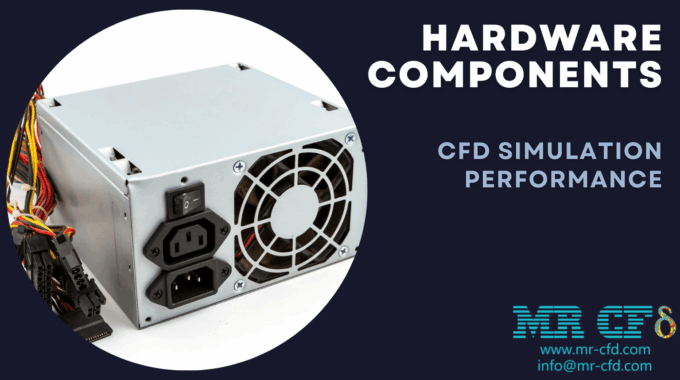
Hardware Components Role in CFD Simulation Performance
ANSYS Fluent is a powerful computational fluid dynamics (CFD) software that relies heavily on hardware to perform complex simulations efficiently. The performance of these simulations depends on several key hardware components: the CPU, RAM, GPU, storage (hard disk), and additional high-performance computing (HPC) elements. Below, we explore the role of each component and how it contributes to optimizing simulation performance.
-
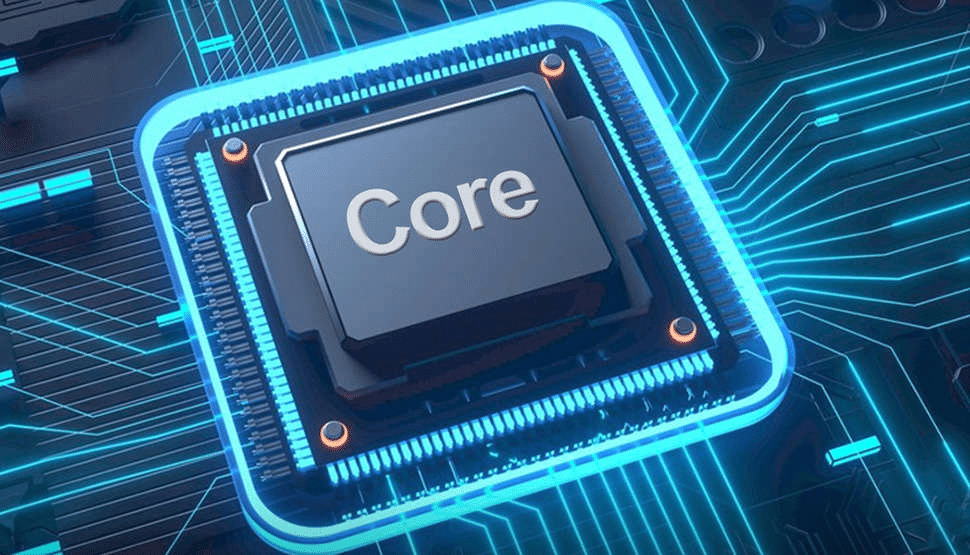
CPU (Central Processing Unit) in HPC
The CPU is the core computational engine for ANSYS Fluent HPC, responsible for solving the intricate mathematical equations that govern fluid dynamics.
- Role: Executes the majority of the simulation workload, including mesh generation, solver calculations, and post-processing.
- Performance Factors:
- Core Count: Higher core counts enable parallel processing, allowing Fluent to distribute tasks across multiple cores and reduce simulation time for large models.
- Clock Speed: Faster clock speeds improve the performance of single-threaded tasks or simulations with limited parallelization.
- Cache Size: Larger caches reduce latency by storing frequently accessed data closer to the processor.
- Architecture: Newer CPU architectures often provide enhanced instructions and efficiency, boosting performance per core.
- Choosing a CPU: Opt for a balance between high core count and strong single-thread performance. For example, modern workstation-grade CPUs like Intel Xeon or AMD Ryzen Threadripper are popular choices. Check benchmarks (e.g., CPUBenchmark.net) for comparisons.

-
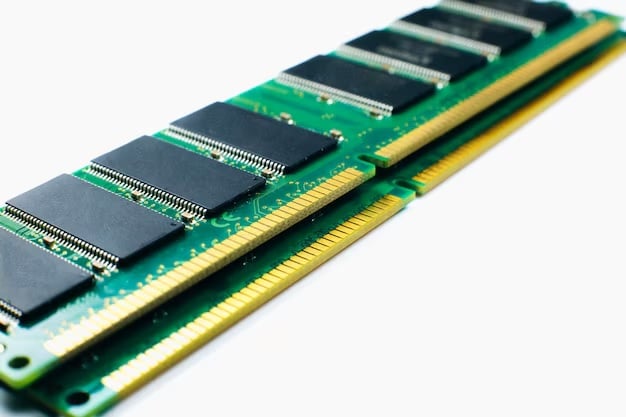
RAM (Random Access Memory)
RAM serves as the temporary workspace for simulation data, ensuring that the CPU and GPU can access information quickly.
- Role: Stores active simulation data such as the mesh, boundary conditions, and solver variables during computation.
- Performance Factors:
- Capacity: Insufficient RAM forces the system to use slower virtual memory (swap space on the disk), significantly slowing down simulations or causing crashes. Complex simulations may require 128 GB or more.
- Speed: Higher RAM speeds (e.g., DDR4 or DDR5 with faster MHz) reduce data access latency, though capacity is typically more critical.
- ECC vs. Non-ECC: Error-correcting code (ECC) RAM enhances stability for long simulations but is slightly slower and costlier than non-ECC RAM.
- Choosing RAM: A rough guideline is 8 GB per CPU core, though large or transient simulations may demand more. Ensure your system has enough capacity to avoid bottlenecks.
-
GPU (Graphics Processing Unit)
The GPU accelerates specific simulation tasks in ANSYS Fluent by leveraging its parallel processing capabilities. in this section, we Analyze the role of GPU in HPC Systems.
- Role: Offloads computationally intensive tasks, such as certain solver operations, from the CPU, particularly in large-scale simulations.
- Performance Factors:
- VRAM: The GPU’s video RAM determines how much data it can process at once. Low VRAM limits simulation size or forces reliance on slower system RAM.
- CUDA Cores: More cores enhance parallel processing performance, speeding up compatible tasks.
- NVLink: In multi-GPU setups, NVLink enables faster data transfer between GPUs, improving scalability.
- Choosing a GPU: ANSYS Fluent supports NVIDIA GPUs with CUDA-enabled solvers. High-end options like the NVIDIA A100 or H100 excel in large simulations, while mid-range GPUs like the RTX series suffice for smaller tasks.
-
Storage (Hard Disk)
Storage handles the input, output, and temporary files generated during simulations, impacting setup and post-processing efficiency.
- Role: Stores simulation files, including meshes, results, and intermediate data.
- Performance Factors:
- Speed: Solid-state drives (SSDs) outperform traditional hard disk drives (HDDs) in read/write speeds, reducing delays during file access. NVMe SSDs offer even faster performance.
- Capacity: Large simulations, especially transient ones, generate massive datasets, requiring ample storage space.
- Choosing Storage: SSDs are recommended for their speed, particularly for frequent data access. NVMe SSDs are ideal for high-performance needs, though HDDs can supplement capacity for archival purposes.
-
Additional HPC Components
In high-performance computing (HPC) environments, additional factors influence simulation performance:
- Network: In distributed systems (e.g., clusters), fast network interconnects (like InfiniBand) minimize data transfer delays between nodes.
- Cooling: Effective cooling prevents thermal throttling, ensuring consistent performance during long simulations. Liquid cooling or robust air cooling is often necessary for HPC setups.
- Power Supply: A stable, high-capacity power supply maintains system reliability under heavy workloads.
Conclusion
Optimizing ANSYS Fluent simulation performance requires a balanced hardware configuration:
- CPU: Provides raw computational power and parallel processing capabilities.
- RAM: Ensures sufficient memory for smooth data handling.
- GPU: Accelerates parallel tasks, enhancing efficiency for compatible simulations.
- Storage: Speeds up file operations and accommodates large datasets.
- HPC Elements: Enhance scalability and stability in advanced setups.
By carefully selecting and configuring these components, users can achieve faster, more reliable simulations tailored to their needs. For expert guidance and HPC solutions, explore offerings like those at MR CFD’s HPC page.
Related Posts
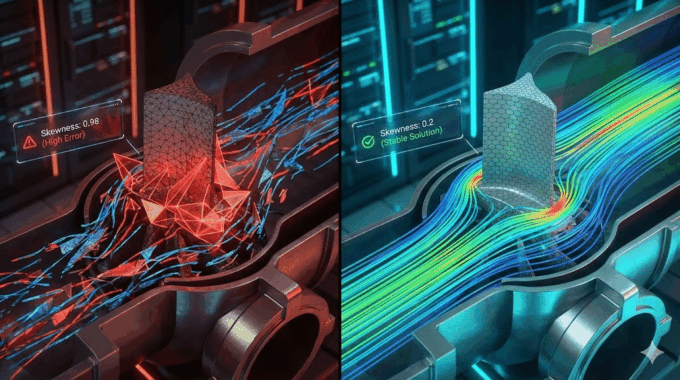
Errors Occurring in Simulations with ANSYS Fluent: A Technical Guide to Convergence & Stability
ANSYS Fluent simulates engineering problems based on the Finite Volume Method (FVM). Consequently, the errors…
How Ansys HPC Servers Accelerate Your Fluent Dynamic Simulations
We have all been there. You hit “Calculate” on a transient simulation, and the estimated…

Ansys HPC Case Study: Accelerating a 120-Million Cell Simulation Using MR CFD’s Ansys HPC Service
In the high-stakes world of aerodynamics, fidelity is everything. But as engineers, we often hit…
 Talk On WhatsApp
 Talk On WeChat

Comments (0)