
Icing on Airfoil, ANSYS Fluent CFD Simulation
$450.00 Internship
- This product numerically simulates an Icing on the airfoil using ANSYS Fluent software.
- We model the domain in the Design Modeler and mesh it in the ANSYS Meshing.
- We implement the icing simulation by three solvers: Airflow, Particle, and Ice accretion.
- We run the icing solver at the Enterprise level in Fluent.
- We use the Droplet type as the ice particle.
- We use the Glaze Model as the physical icing model.
To Order Your Project or benefit from a CFD consultation, contact our experts via email (info@mr-cfd.com), online support tab, or WhatsApp at +44 7443 197273.
There are some Free Products to check our service quality.
If you want the training video in another language instead of English, ask it via info@mr-cfd.com after you buy the product.
Description
Description
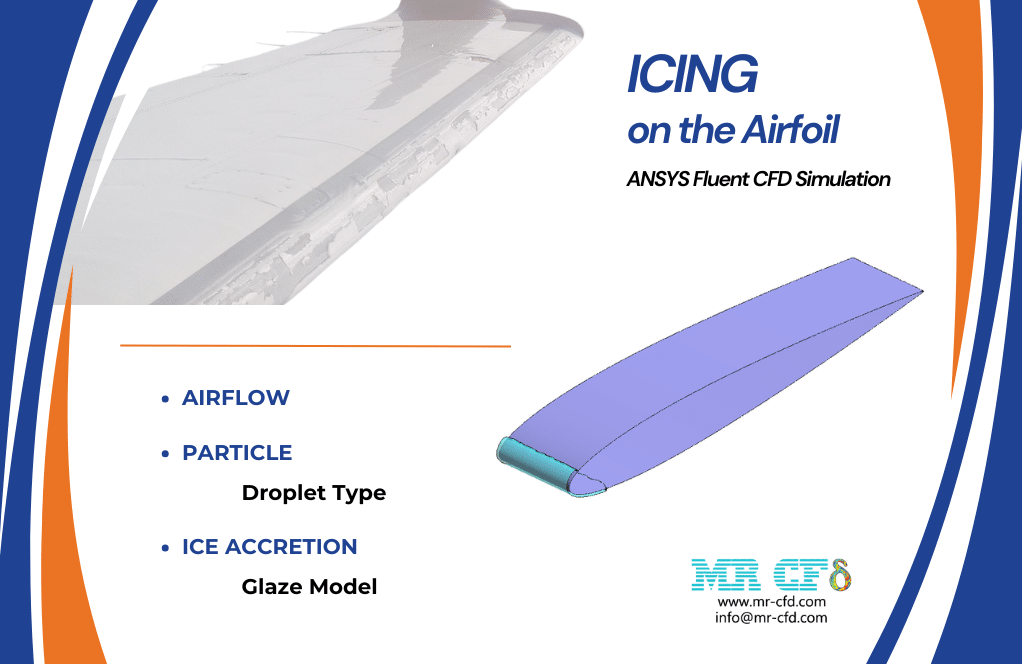
In this project, we perform a numerical simulation of the Icing process on the Airfoil via ANSYS Fluent software.
In general, icing is the process of generating a coating of ice on objects. This icing phenomenon is produced by the impingement and freezing of supercooled droplets onto the flying objects in the cold air of the atmosphere. Therefore, icing analysis is mainly studied on aircraft vehicles, flying equipment, and their components by researchers.
Icing simulation includes the three principal aspects: airflow, particles (droplet or/and ice crystal), and ice accretion.
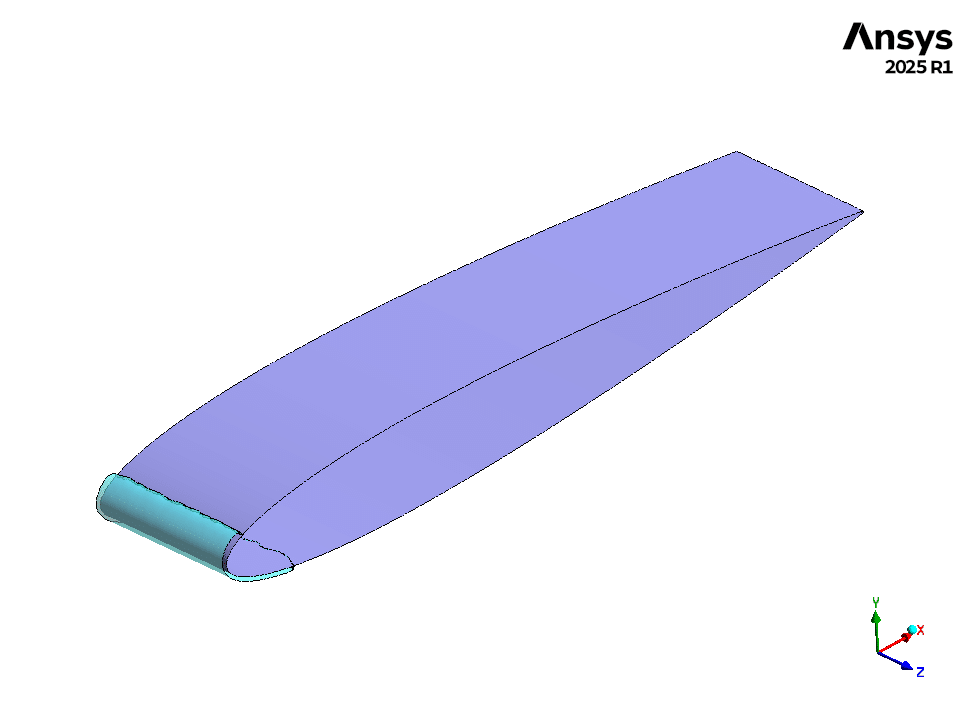
First, we model the geometry in 3D using Design Modeler software. The computational domain corresponds to an airfoil surrounded by the free airflow. Then, we mesh the model using ANSYS Meshing software, and about 4,924,000 cells are generated.
Methodology
We performed the simulation of the present icing project in three main steps (with three appropriate solvers) in ANSYS Fluent software:
- Airflow solver: We simulated the airflow around the airfoil in Fluent.
- Particle solver: For this solver, the primary simulation of the airflow is required as input solution data. Note that it is very important that for this step, we set Fluent launcher to Enterprise level and use the Icing solver.
- Ice solver: For this solver, the primary simulations of the airflow and particles are required as input solution data. Similarly, for this step, we use the Icing solver at the enterprise level in Fluent.
1st step, aiflow solver: we set the angle of attack for the present airfoil and then specify characteristics such as speed, pressure, temperature, etc.
2nd step, particle solver: This supports three types of particles, including droplets, crystals, and vapor. In the present project, we only model Droplets. These are supercooled water droplets that still exist in liquid form at lower ambient temperatures. They typically accrete ice on external surfaces of the aircraft.
3rd step, ice solver: This defines the icing conditions and the icing physical models, including glaze, water film, and rime. In the present project, we enable the Glaze icing model. This is the most comprehensive model that can operate above and below freezing temperatures and produce various shapes of ice.
Conclusion
We present the final results in two parts:
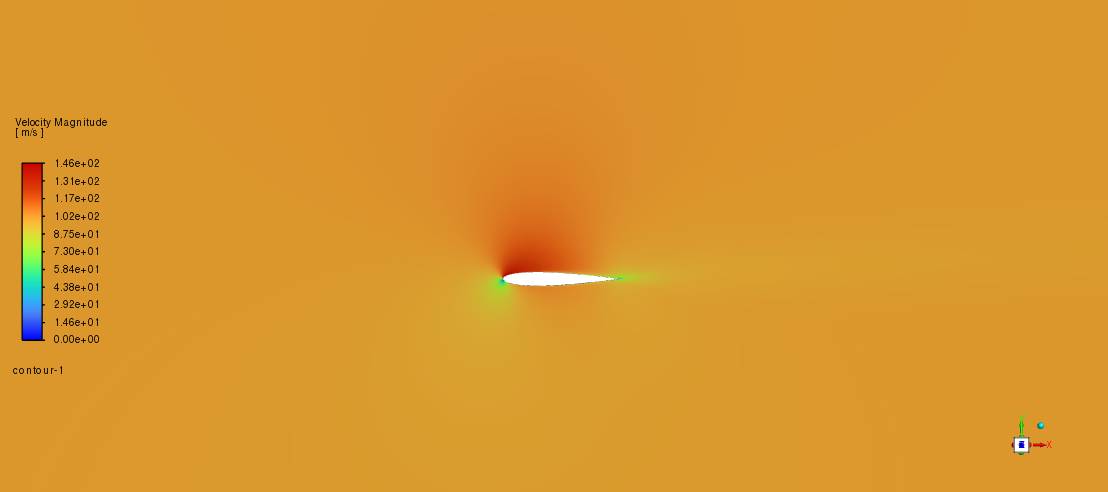
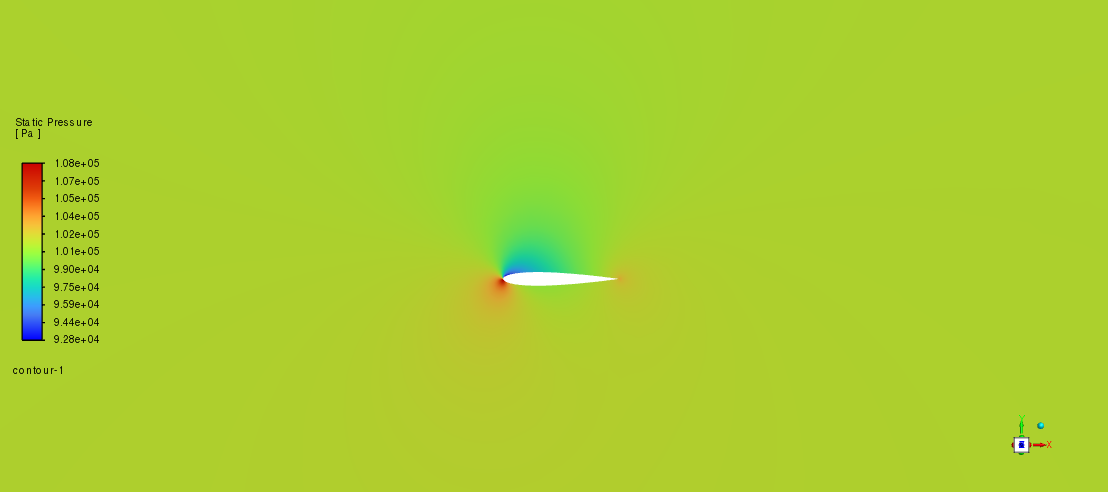
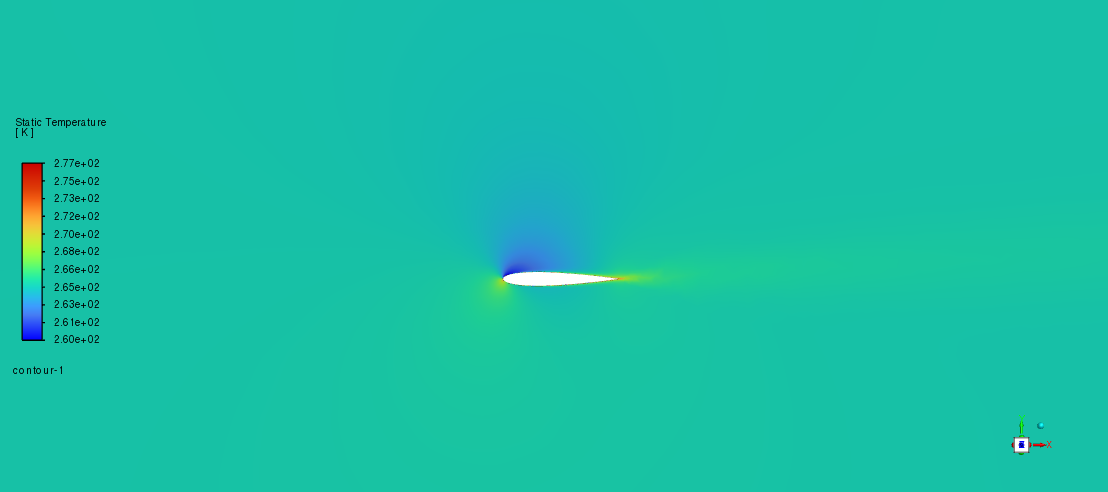
For the airflow simulation, we obtained contours for the velocity, pressure, and temperature distributions. These velocity and pressure distributions around the airfoil body confirm the correct behavior of the airfoil from an aerodynamic point of view.
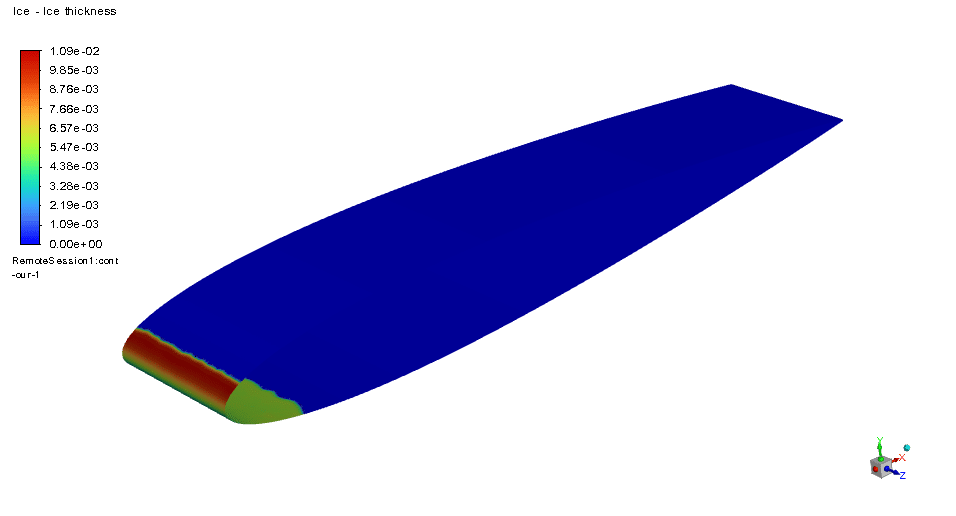
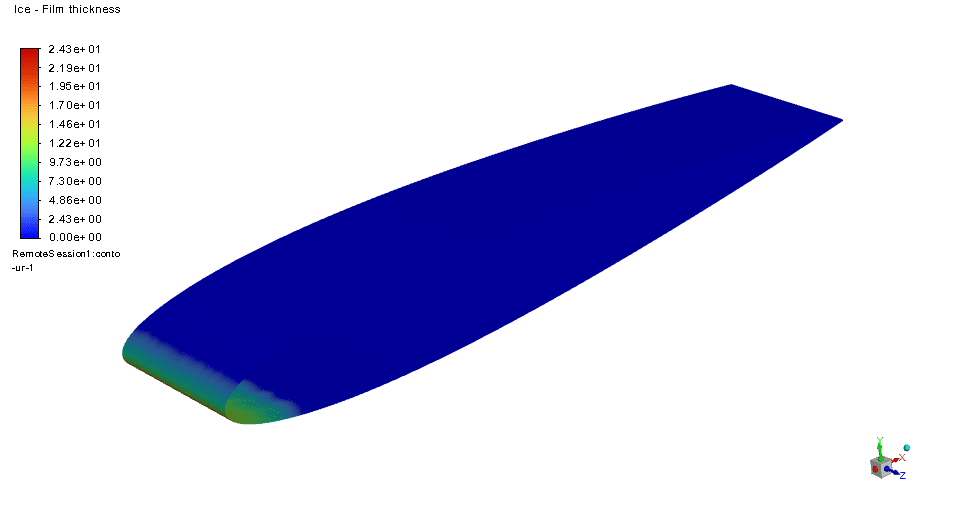
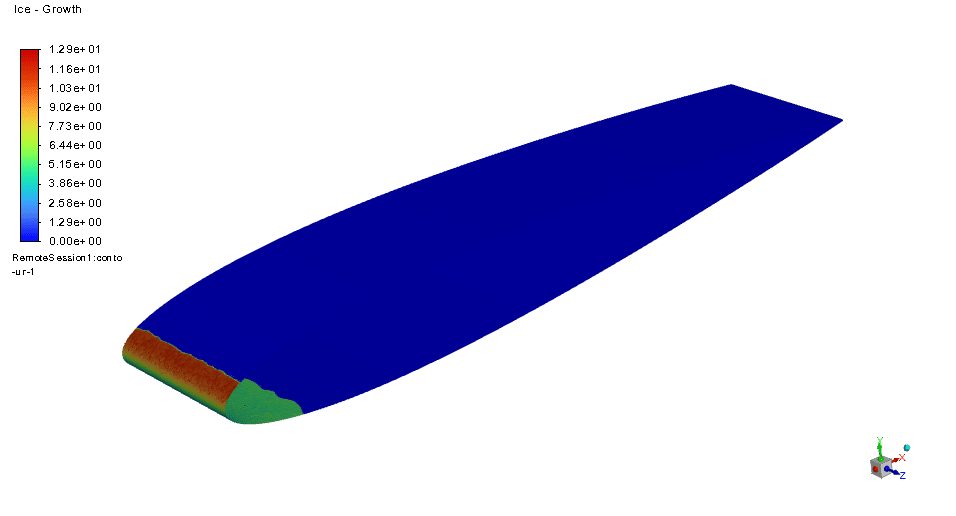
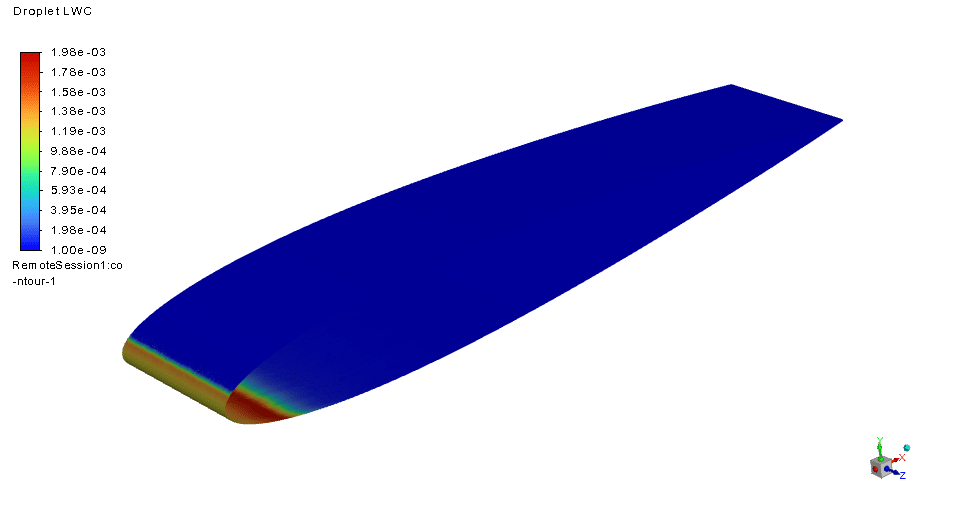
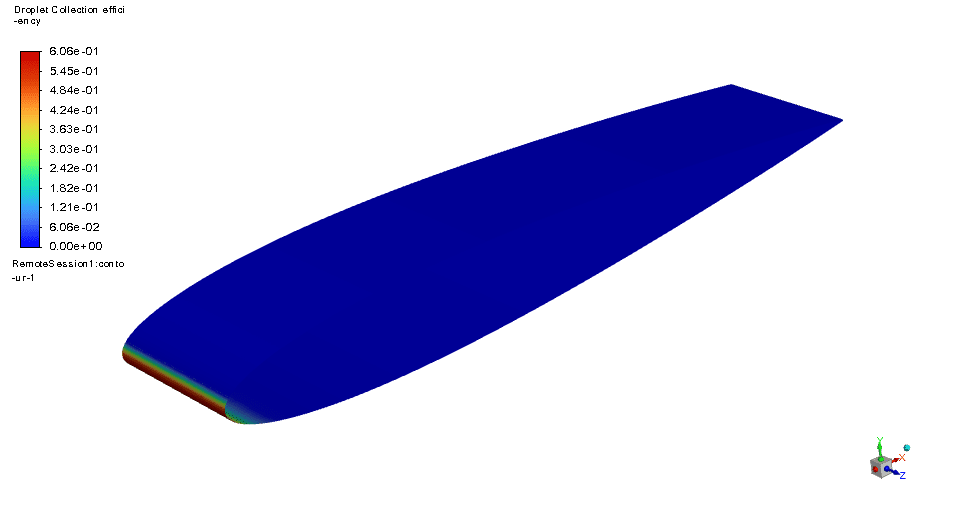
For the final icing simulation, we first checked the formation of an ice cover on the airfoil body. Then, we obtained the distribution contours of different icing variables, including ice thickness, ice film thickness, and ice growth. In addition, since we have modeled ice as the droplet type, we also obtained the distribution contours of ice concentration and ice collection.
The results emphasize the production of an ice layer concentrated on the attack edge of the airfoil, where the main and initial impingement of the airflow containing water supercooled droplets occurs.
You must be logged in to post a review.

 Talk On WhatsApp
Reviews
There are no reviews yet.