
SpaceClaim Course, Session 12: Replace, Fill pattern and Mirror Tools
Free
To Order Your Project or benefit from a CFD consultation, contact our experts via email (info@mr-cfd.com), online support tab, or WhatsApp at +44 7443 197273.
There are some Free Products to check our service quality.
If you want the training video in another language instead of English, ask it via info@mr-cfd.com after you buy the product.
Description
1. Introduction
mastering the design tab options in spaceclaim is very crucial. in this session, we will discuss about some of the most important commands including: Replace, Fill pattern and Mirror. using these command will help you create more accurate geometry and also increases your speed.
2. Replace
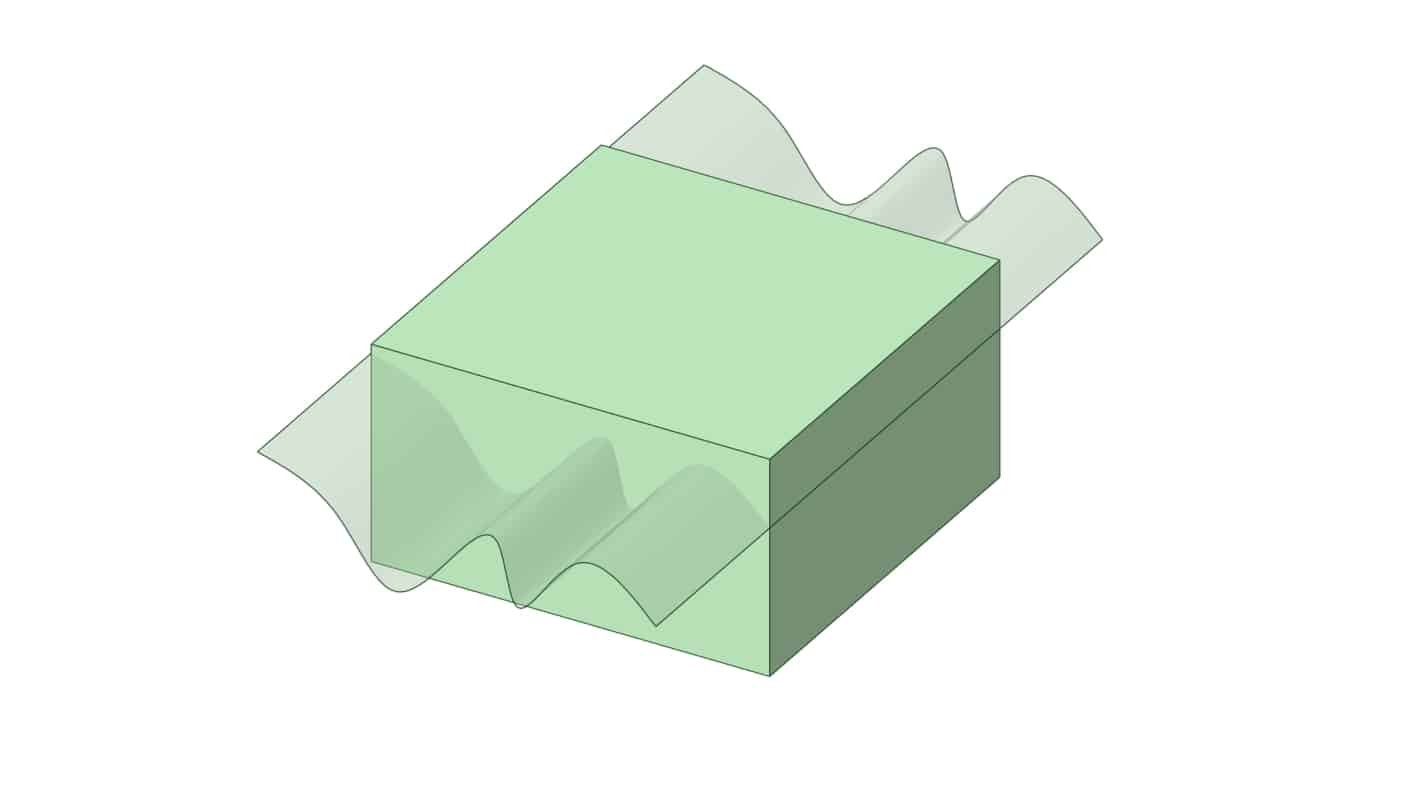
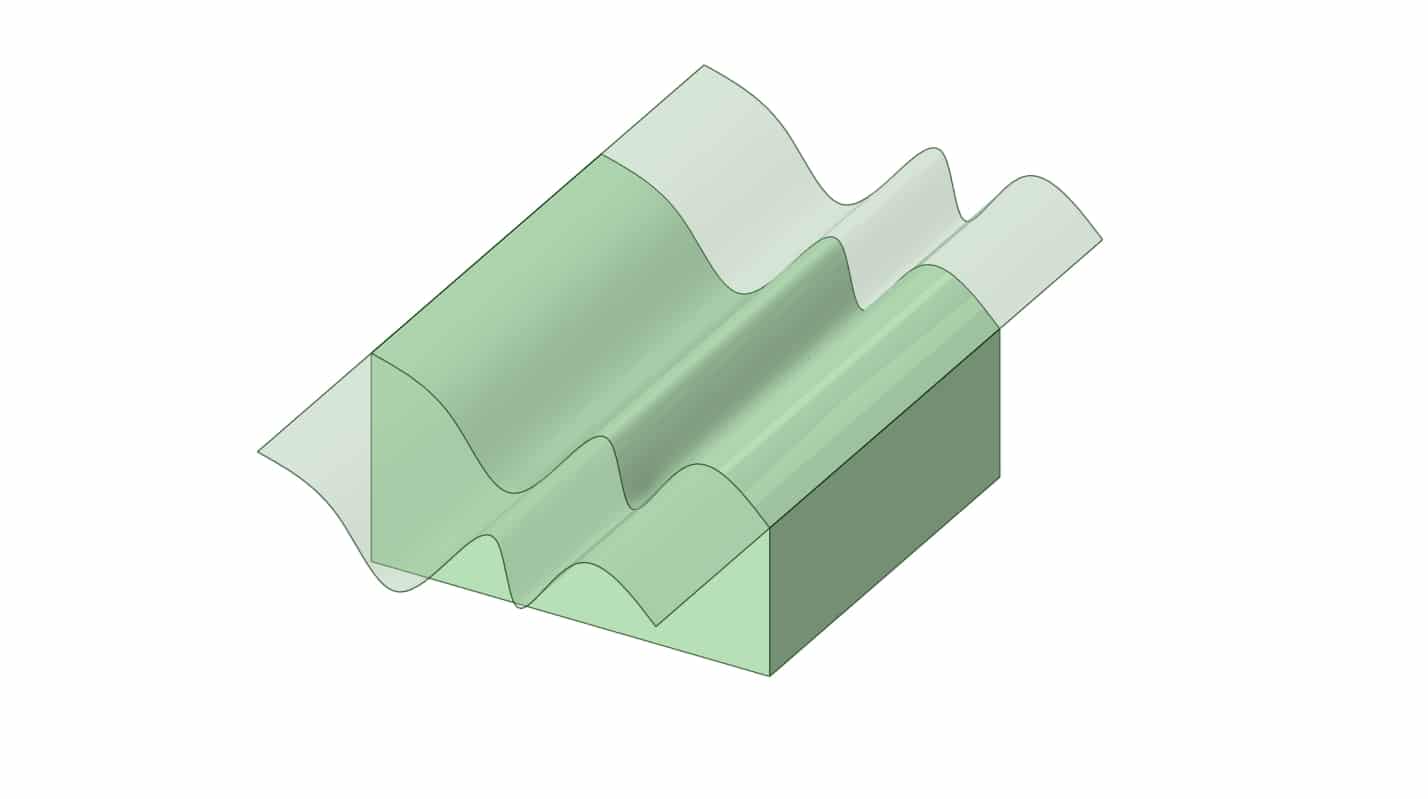
The Replace command substitutes one or more selected faces with another face or surface that you specify. SpaceClaim trims or extends the replacement to the existing boundaries and reattaches neighboring faces so the solid remains watertight, preserving edge locations and continuity wherever the geometry allows. This makes it ideal for reshaping parts swapping a planar or curved face for a different surface دwithout rebuilding features. The replacement can come from an existing face, an imported surface, or a surface created from a sketch. If the new surface doesn’t fully cover the target area or causes self intersections, the operation may fail; extending or refining the replacement surface typically resolves this.
3. Fill pattern
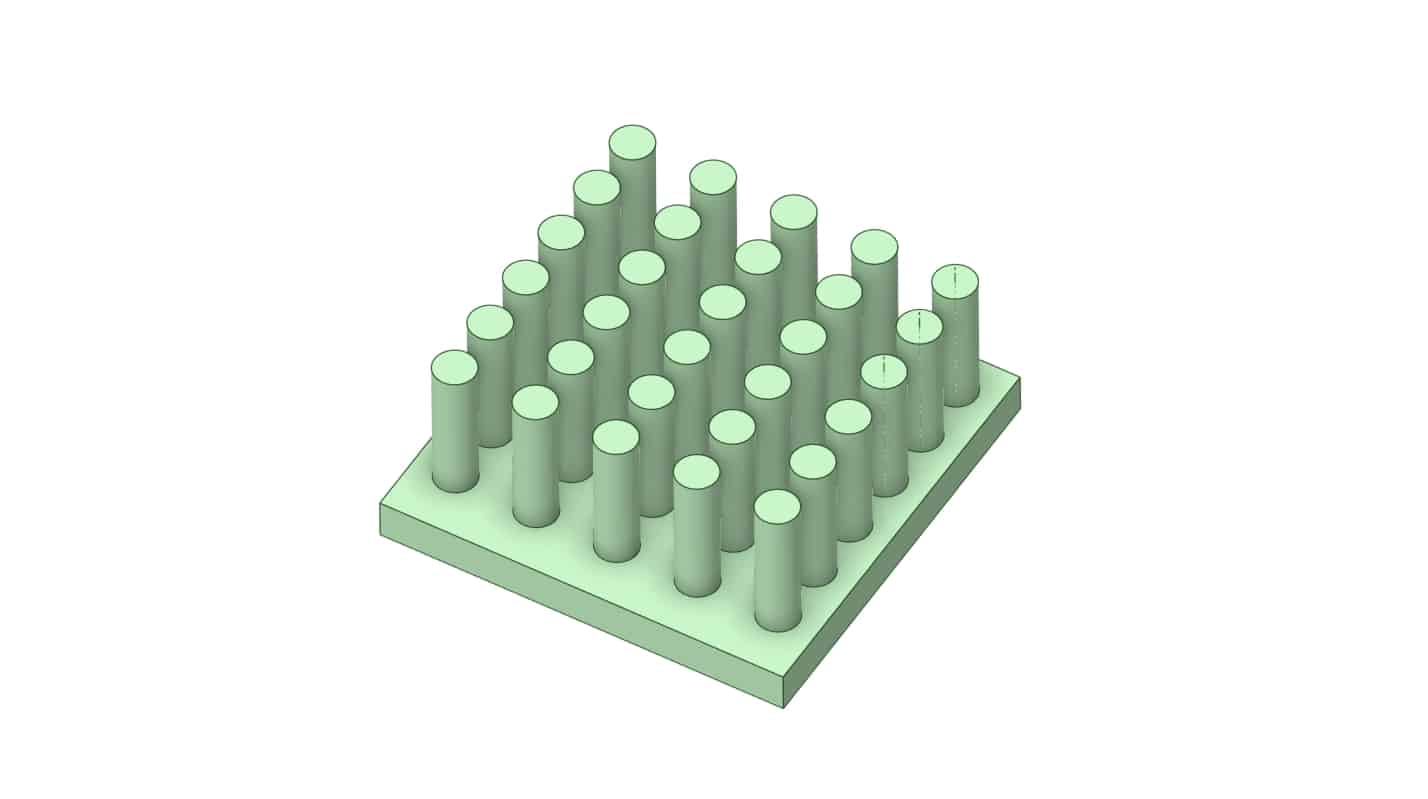
Fill Pattern command has a neat capability: by specifying parameters like the spacing between features in the X and Y directions, the software automatically determines the appropriate number of instances. Based on the spacing you set, it figures out how many copies of the geometry should be created and patterned along each direction.
4. Mirror
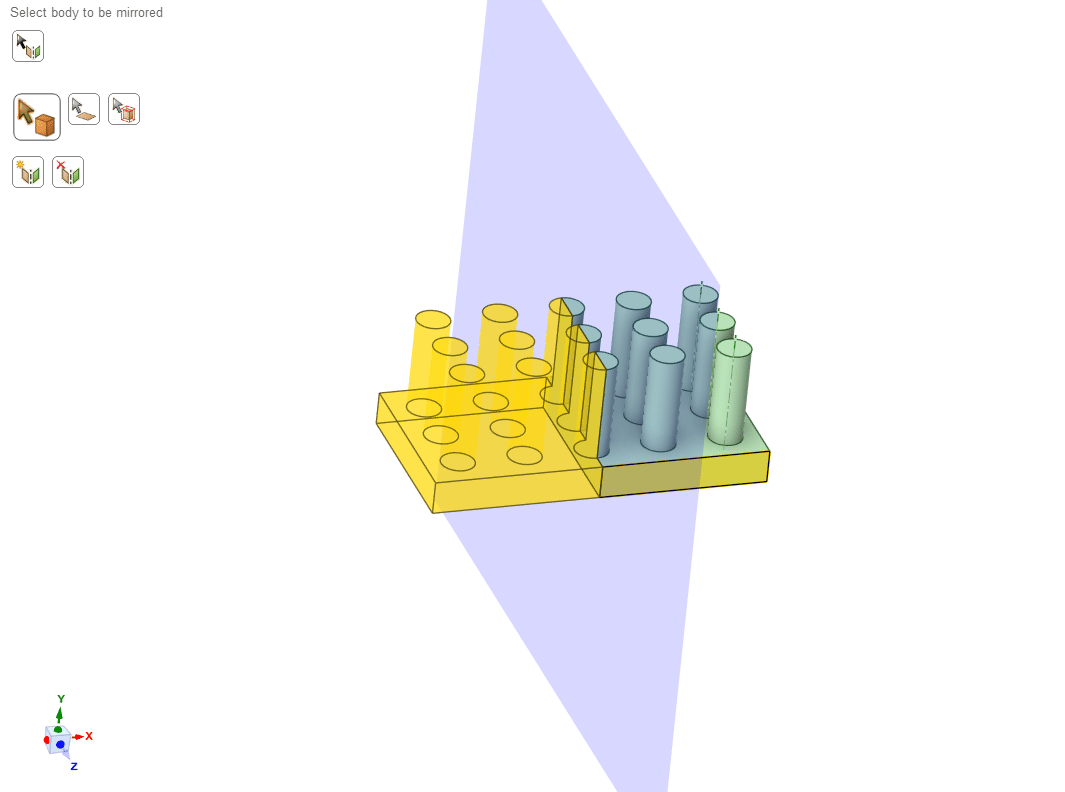
The Mirror command creates a symmetric copy of selected geometry about a reference plane. You can mirror sketch curves, faces, or entire solid bodies across a datum plane, a planar face, or one of the global planes. SpaceClaim places the mirrored copy on the opposite side and leaves the original intact.
5. Summary
In this session, we introduced several of the most important tools in SpaceClaim’s Design tab. By the end, students are expected to have a solid initial familiarity with these tools and to apply them in their own geometry creation. It should be emphasized, however, that more effective and precise use of these commands depends on a strong grasp of the material covered in previous sessions, as these tools are most impactful when used alongside sufficient knowledge of other commands.
You must be logged in to post a review.
 Talk On WhatsApp
 Talk On WeChat

Reviews
There are no reviews yet.