
SpaceClaim Course, Session 14: Practical Offset Tool
Free
• Introduction to the Offset Tool in SpaceClaim.
• Step by step examples demonstrating practical uses.
• Coupling and simultaneous movement of faces using Pull.
• Translating and adjusting bodies through controlled offsets.
To Order Your Project or benefit from a CFD consultation, contact our experts via email (info@mr-cfd.com), online support tab, or WhatsApp at +44 7443 197273.
There are some Free Products to check our service quality.
If you want the training video in another language instead of English, ask it via info@mr-cfd.com after you buy the product.
Description
1. Introduction
The Offset Tool in SpaceClaim is a powerful tool used for precise and controlled geometric modifications. It allows users to copy or shift faces, surfaces, or curves at a specified distance from their original position. This tool enables resizing or thickening of complex geometries without the need for redesign. The Offset Tool is commonly used to create uniform clearances, adjust tolerances, or prepare models for analysis and manufacturing. Overall, it provides accuracy, control, and flexibility in model editing.
 2. Objectives
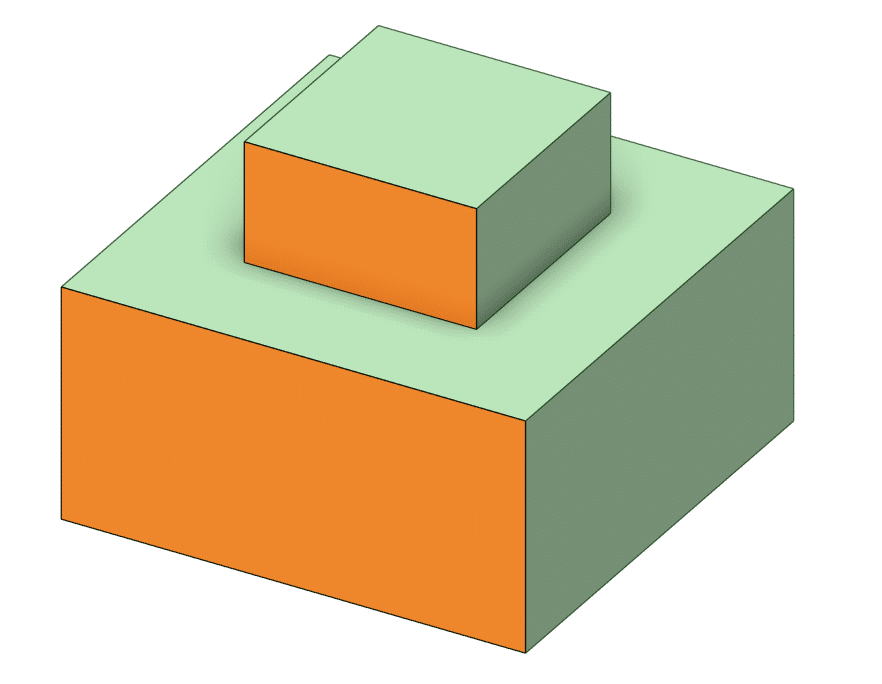
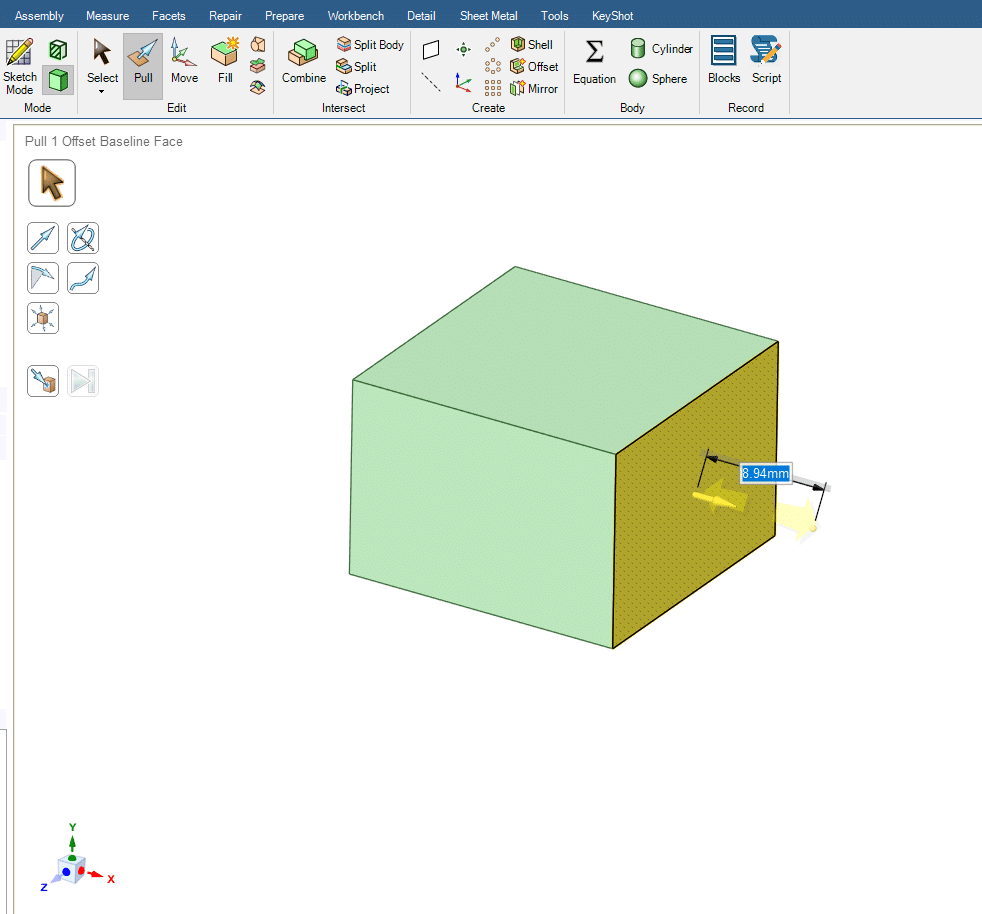
In this session of the SpaceClaim course, we will present examples to teach you the various applications of this command. Features such as coupling two faces together, moving two faces simultaneously with the Pull command, and also displacing a body using this command will be taught to the students.
 3. Summary
Ultimately, after completing this session, students will add a new skill to the skills they have learned in the Design environment. Learning this session and integrating it with the skills acquired in previous sessions will significantly advance your design capability, preparing you to create much more complex geometries.
You must be logged in to post a review.
 Talk On WhatsApp
 Talk On WeChat

Reviews
There are no reviews yet.