
SpaceClaim Course, Session 15: Practical Enclosure Tool
Free
- Overview of the Enclosure Tool in SpaceClaim.
- covering its purpose, cylindrical and rectangular types.
- covering key options like Share Topology, Defeature, and Symmetric Dimension for creating accurate CFD domains.
Click on Add To Cart and obtain the Geometry file, Mesh file, and a Comprehensive ANSYS Fluent Training Video.
To Order Your Project or benefit from a CFD consultation, contact our experts via email (info@mr-cfd.com), online support tab, or WhatsApp at +44 7443 197273.
There are some Free Products to check our service quality.
If you want the training video in another language instead of English, ask it via info@mr-cfd.com after you buy the product.
Description
1. Introduction
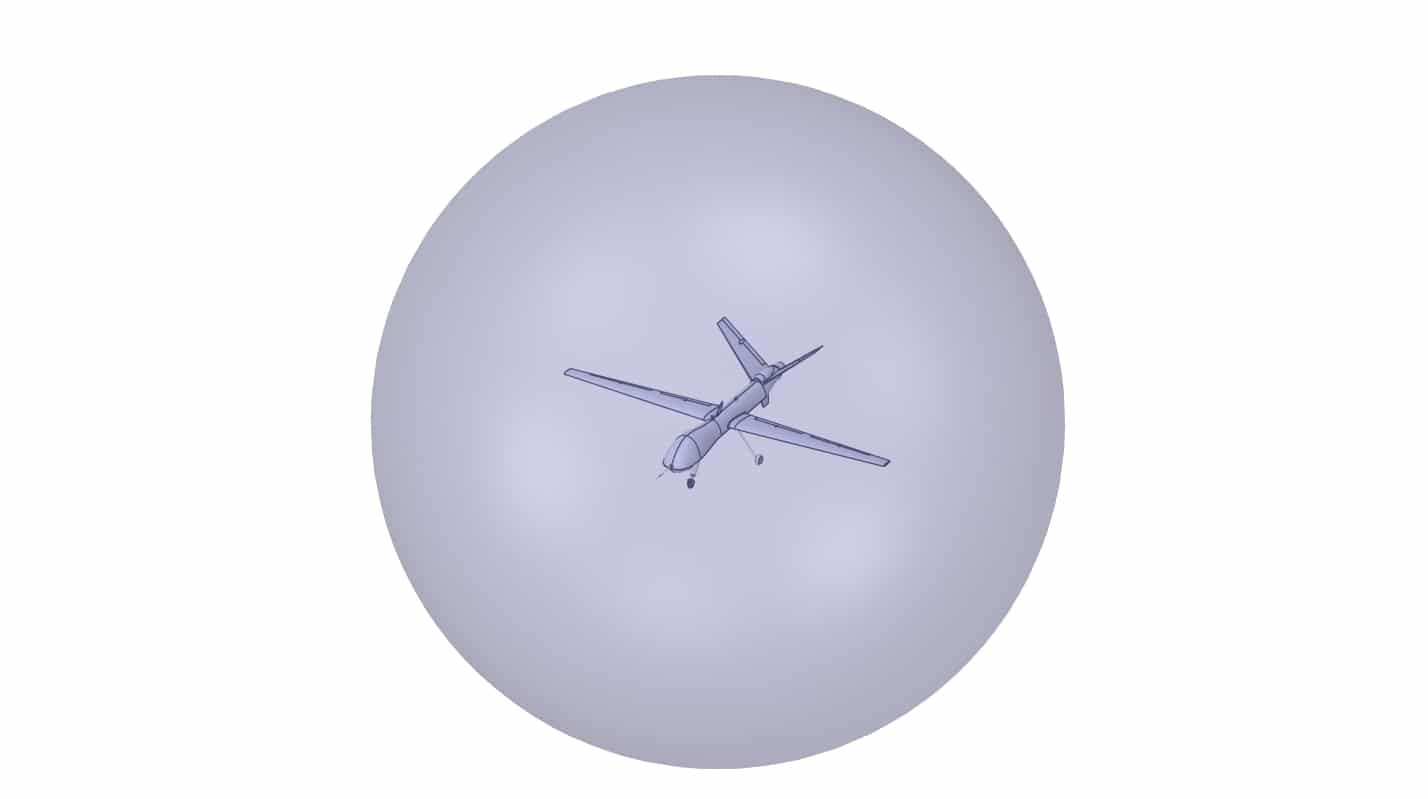
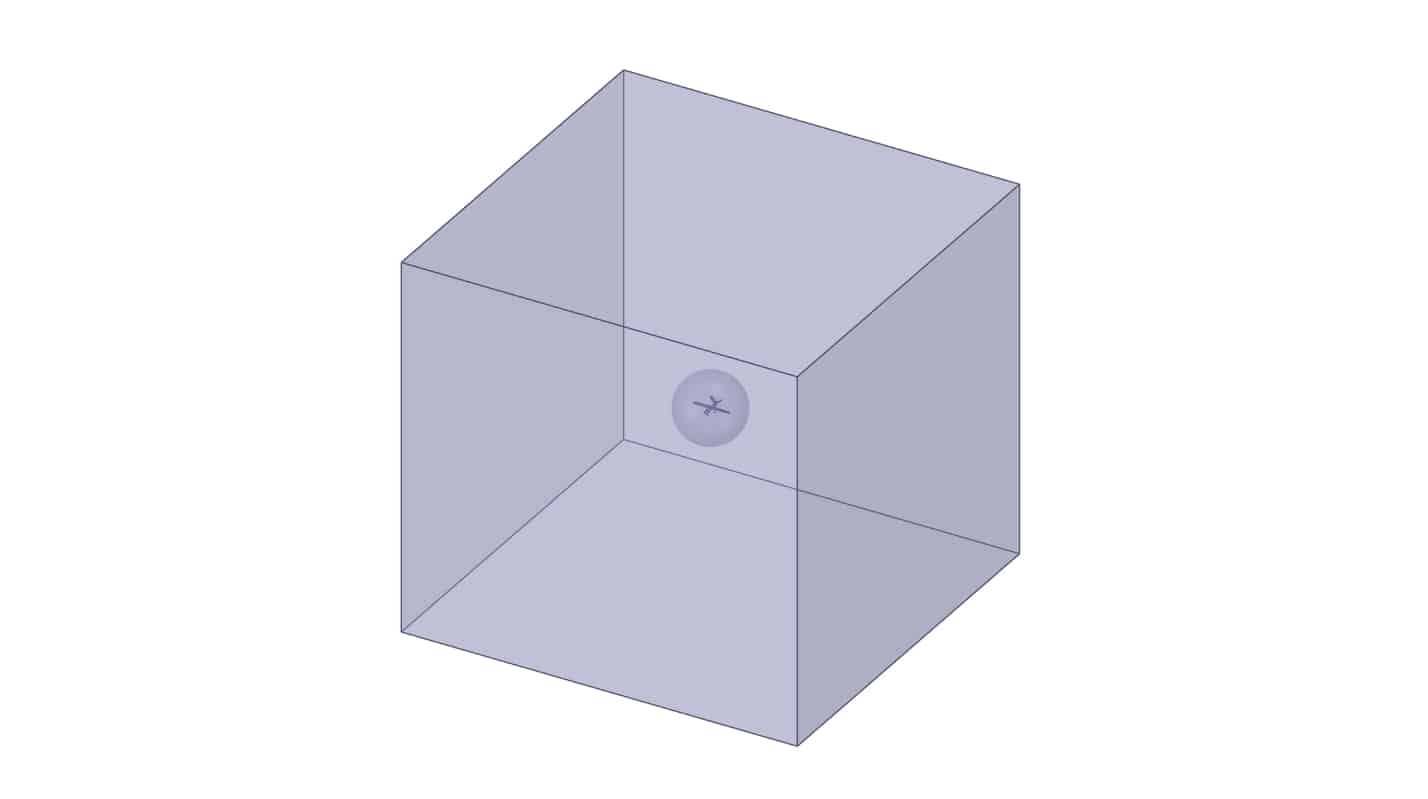
In CFD modeling, an enclosure is a simple volume you create around your part to represent the surrounding flow domain. In SpaceClaim, the Enclosure tool quickly generates that wrapper, a box a cylinder or sphere at specified clearances around your solid. You then treat the enclosure as fluid and the original part as solid; the enclosure’s outer faces become your domain boundaries , and its inner face coincides with the part’s surface for heat and momentum exchange.
2. Objectives
In this session of the SpaceClaim software, we covered the Enclosure Tool and its various applications.
We introduced different enclosure shapes, including cylindrical and rectangular types. In addition, we explained useful options such as Create Share Topology, Default cushion, and Symmetric Dimension within the Enclosure tool.
 3. Summary
We introduced SpaceClaim’s Enclosure tool, showed how to create rectangular and cylindrical enclosures, and explained key options like Share Topology and Symmetric Dimension. The session focused on when to use each shape and option to build clean fluid domains for CFD and ensure robust, conformal interfaces between solids and surrounding flow.
You must be logged in to post a review.

 Talk On WhatsApp
 Talk On WeChat

Reviews
There are no reviews yet.