
SpaceClaim Course, Session 24: Script Modeling
Free
-
Extract and edit Python code directly from your geometry with Script Modeling.
-
Automate repetitive tasks and quickly regenerate designs.
-
Define parametric dimensions (radius, height) using script parameters.
-
Save, load, and reuse scripts across projects with Script Modeling.
To Order Your Project or benefit from a CFD consultation, contact our experts via email (info@mr-cfd.com), online support tab, or WhatsApp at +44 7443 197273.
There are some Free Products to check our service quality.
If you want the training video in another language instead of English, ask it via info@mr-cfd.com after you buy the product.
Description
1. Introduction
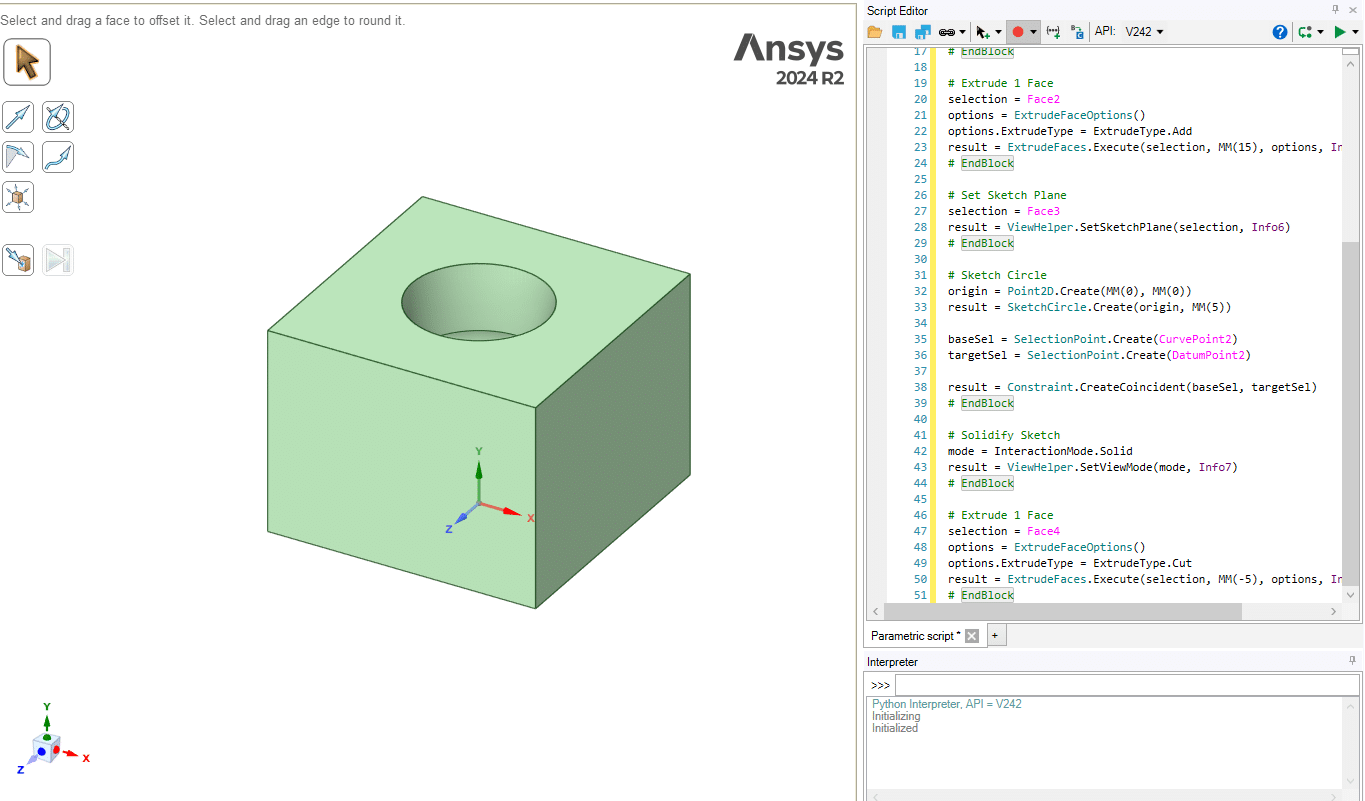
Script Modeling is one of the most practical features in SpaceClaim. This capability lets you keep the Python code of your design geometry instead of only relying on a geometry file, and in many workflows that becomes a major advantage. You can use these scripts both inside SpaceClaim itself and in other tasks where you work with code and automation. The ability to edit the script directly inside the software is also available, and one of the most important capabilities in this environment is Parametric design.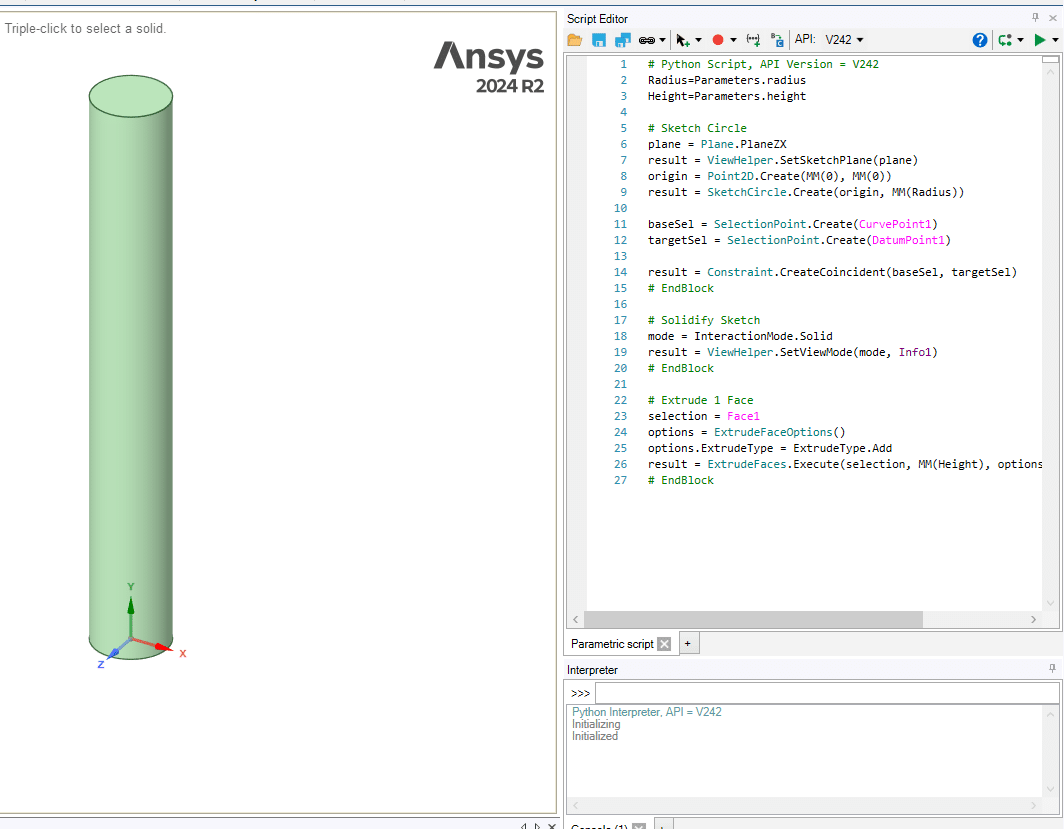
2. Objectives
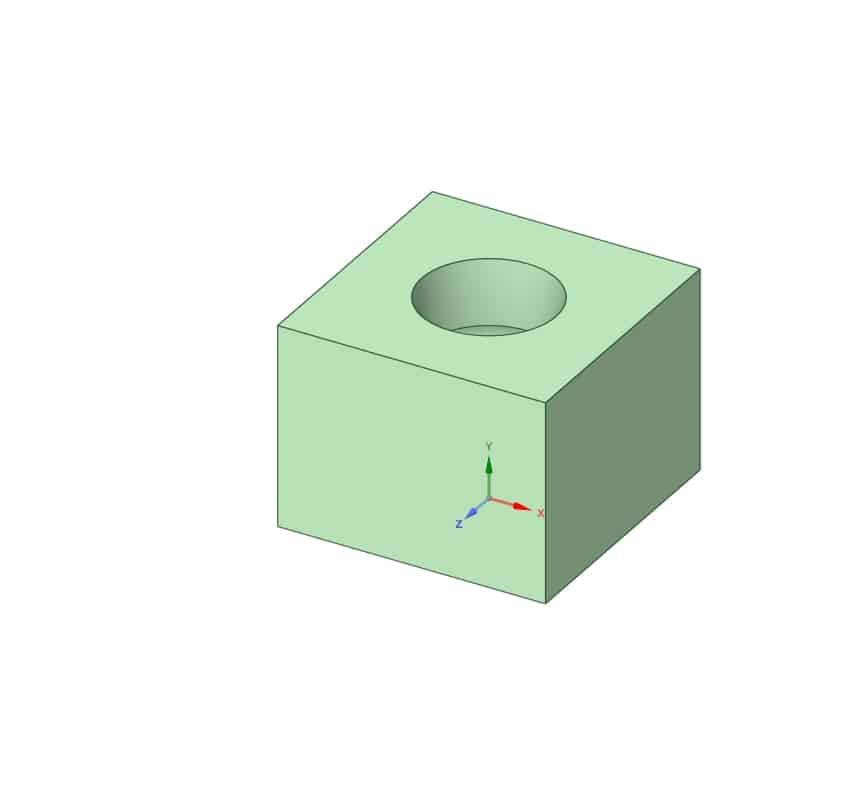
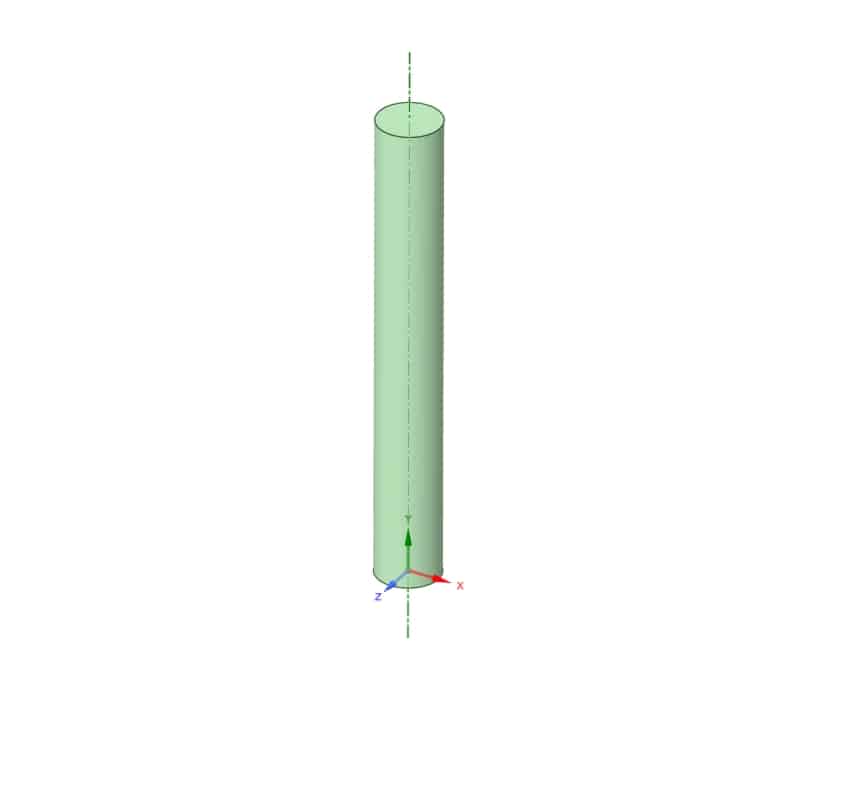
In this session, you will get familiar with the general concept of Script Modeling. You will learn how to extract the Python code of your geometry while you are creating the model. Also, through a few hands-on examples, you will see how these options work in practice. Finally, in a guided tutorial example, you will learn how to create a parametric geometry by Script Modeling. This parameter then appears in Workbench, where it can be used in studies such as Design of Experiments (DOE) and optimization by automatically varying its value and regenerating the geometry. For a deeper understanding of DOE and its practical applications, you can refer to the MR CFD website and study the training course titled “Optimization (DOE and RSM): ANSYS Fluent CFD Simulation Training Course”.
3. Summary
In this session, you’ll get familiar with the fundamentals of Script Modeling in SpaceClaim. You’ll learn how to record Python code while drawing geometry, edit it in the Script Editor, and save or reload scripts for later use. We’ll walk through practical examples showing how to modify dimensions directly in the code and how to set up parametric designs using script parameters. By the end, you’ll understand how to automate repetitive tasks and create flexible, code-driven geometries that integrate smoothly into broader simulation workflows.
You must be logged in to post a review.

 Talk On WhatsApp
 Talk On WeChat

Reviews
There are no reviews yet.